Admin: Hall of Fame and Contests
1.10 Hall of Fame, Metric Judges
1.10.1) Hall of Fame Management
The Hall of Fame displays selected learners, winners, teams, or competition achievements.
Add a Hall of Fame Award:
-
Access System Management.

-
Select Hall of Fame Management.
-
Click Create New Competition or Add Achievement.
-
Enter:
- Competition name
- Short name / abbreviation
- Year
- Short description (Host, Location, Website or any URL…)
- Competition date
- Level
-
Click Save.
-
Select the competition you just created from the competition list.
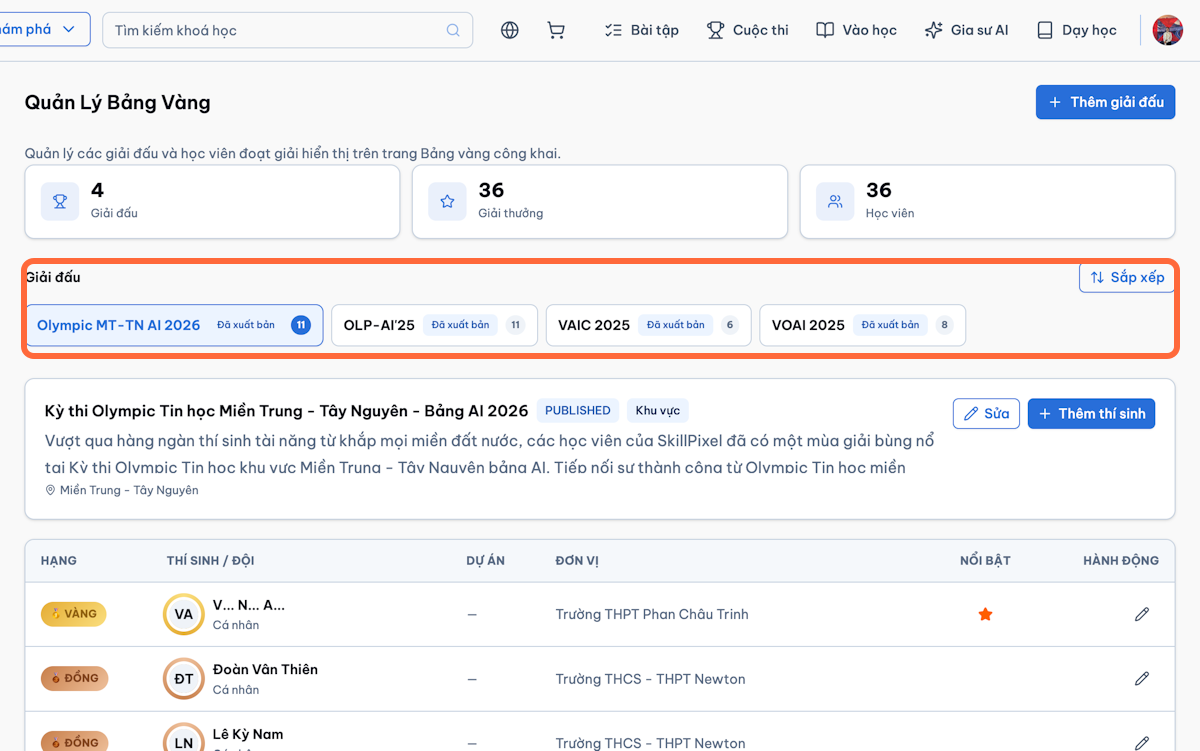
-
Select Add Contestant to add the award winners of that competition.
-
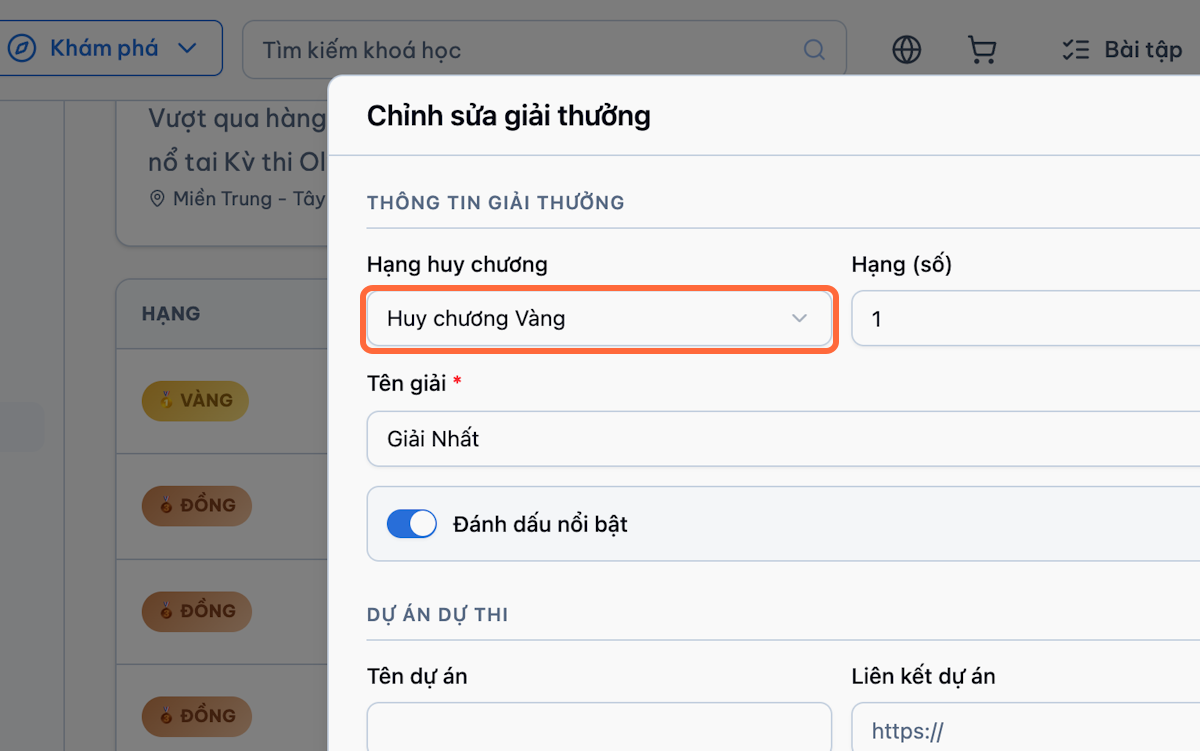
Enter the award information:
- Medal rank and numeric rank
- Award name
- Mark as featured (to highlight it on the home page)
- Project name and project link (if any)
- Description
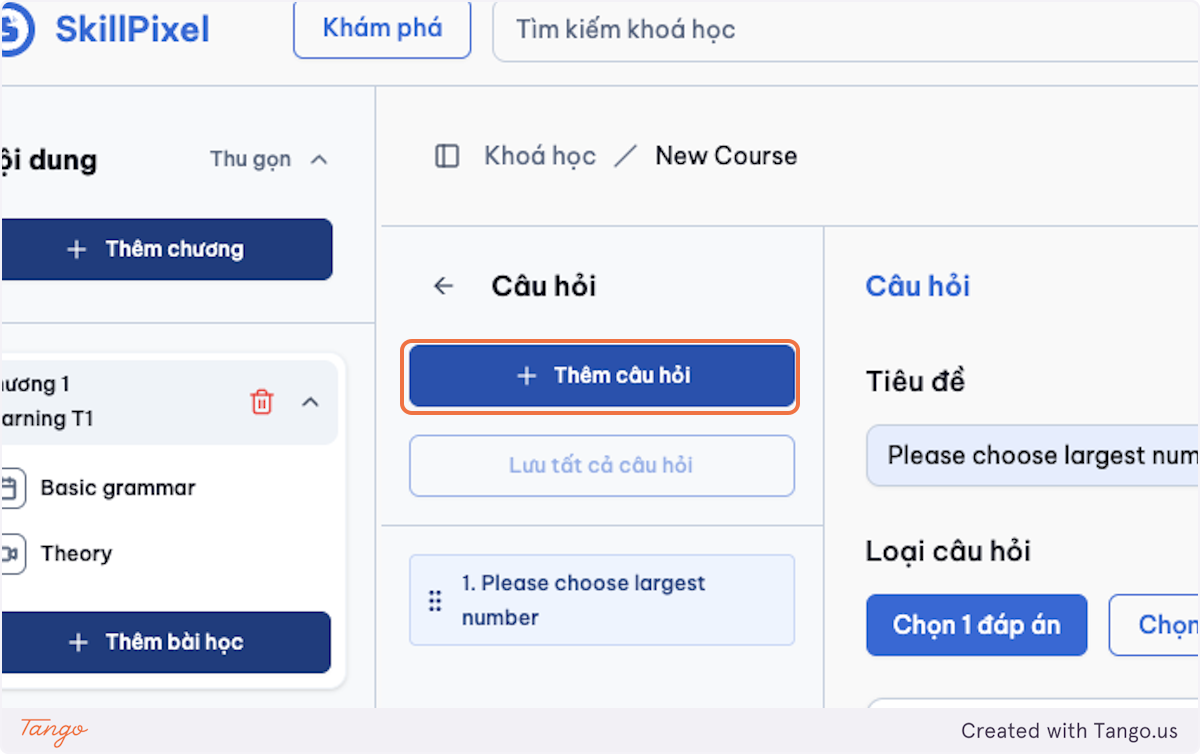
-
Enter the winner’s member details: full name, organisation, class / academic year, and profile photo.
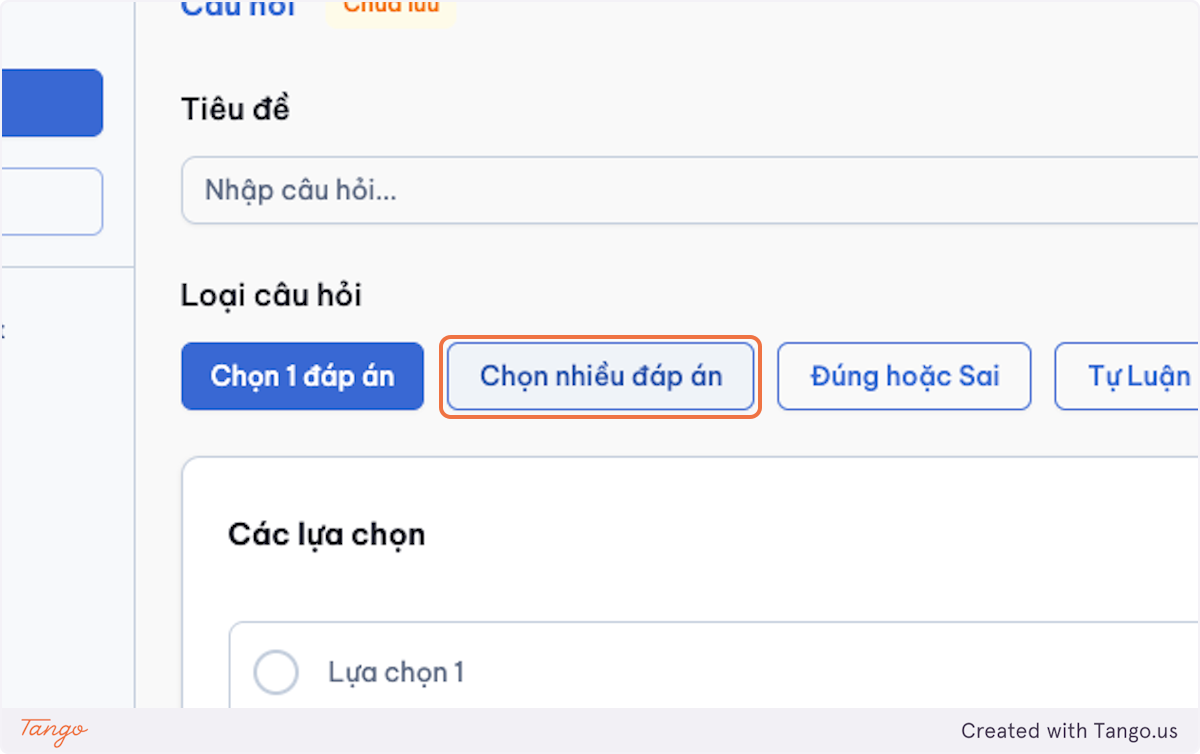
-
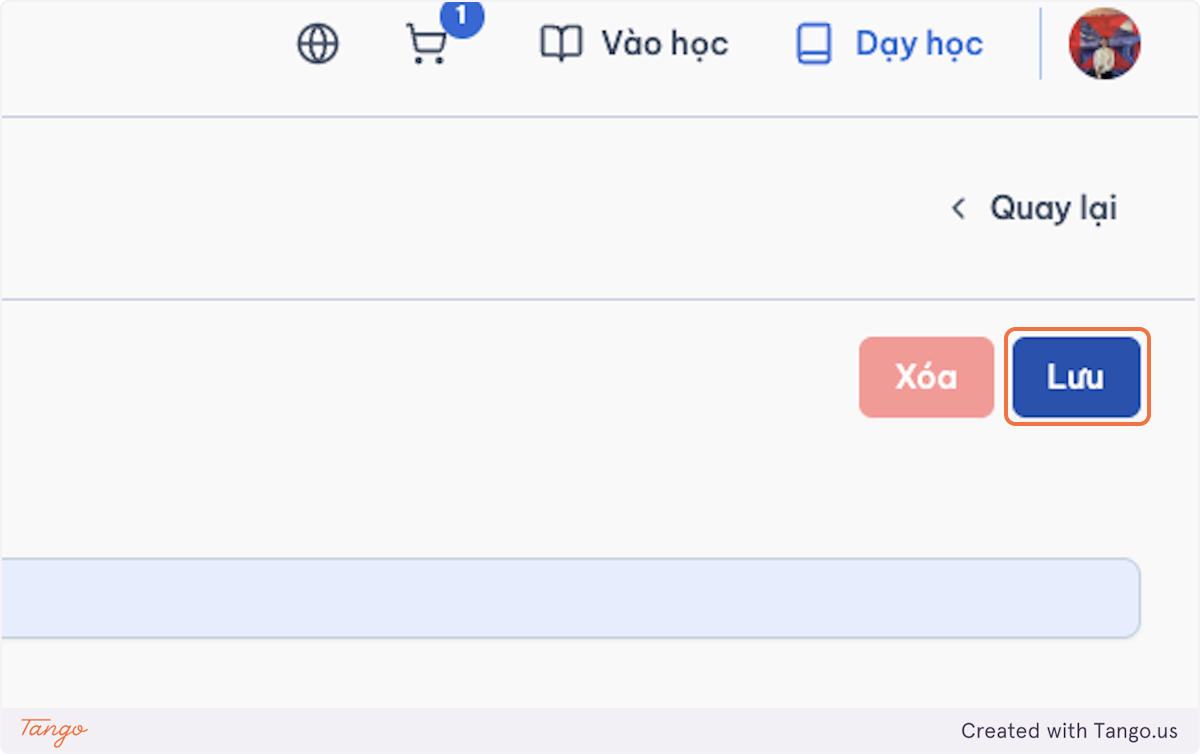
Click Save.
-
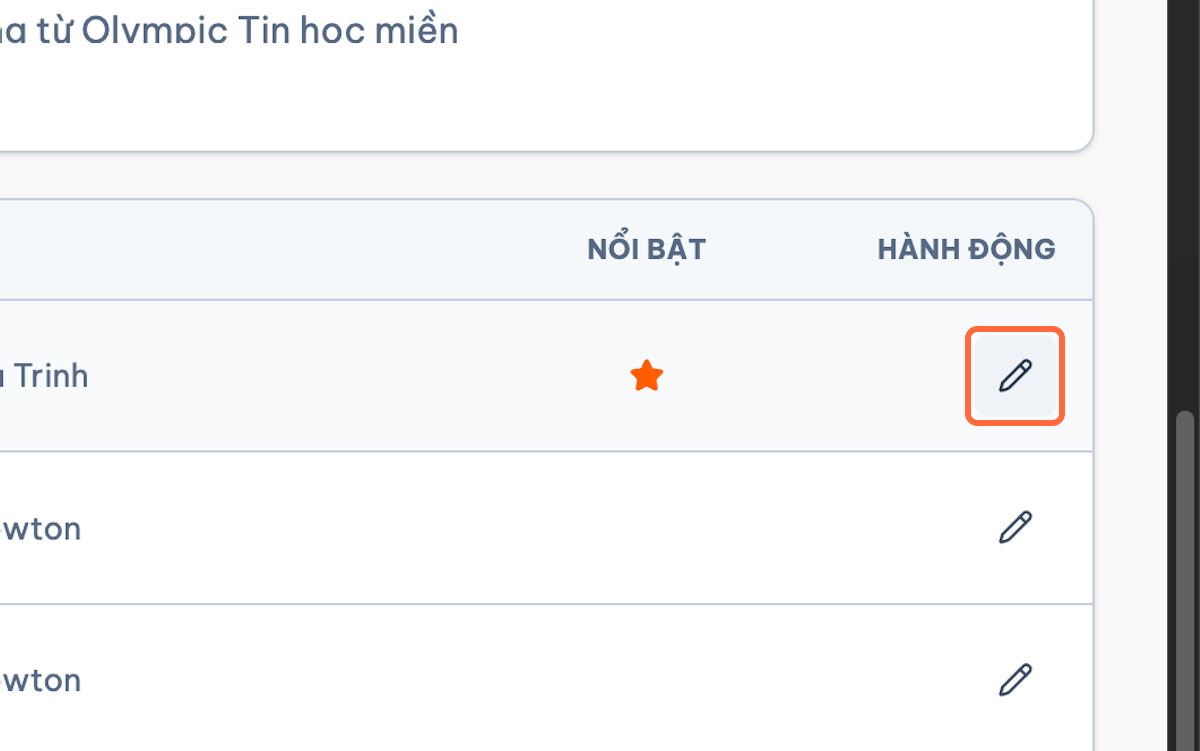
To edit an existing award, click the pencil icon in the Actions column.
-
Update the fields in the Edit Award dialog, then click Save.
-
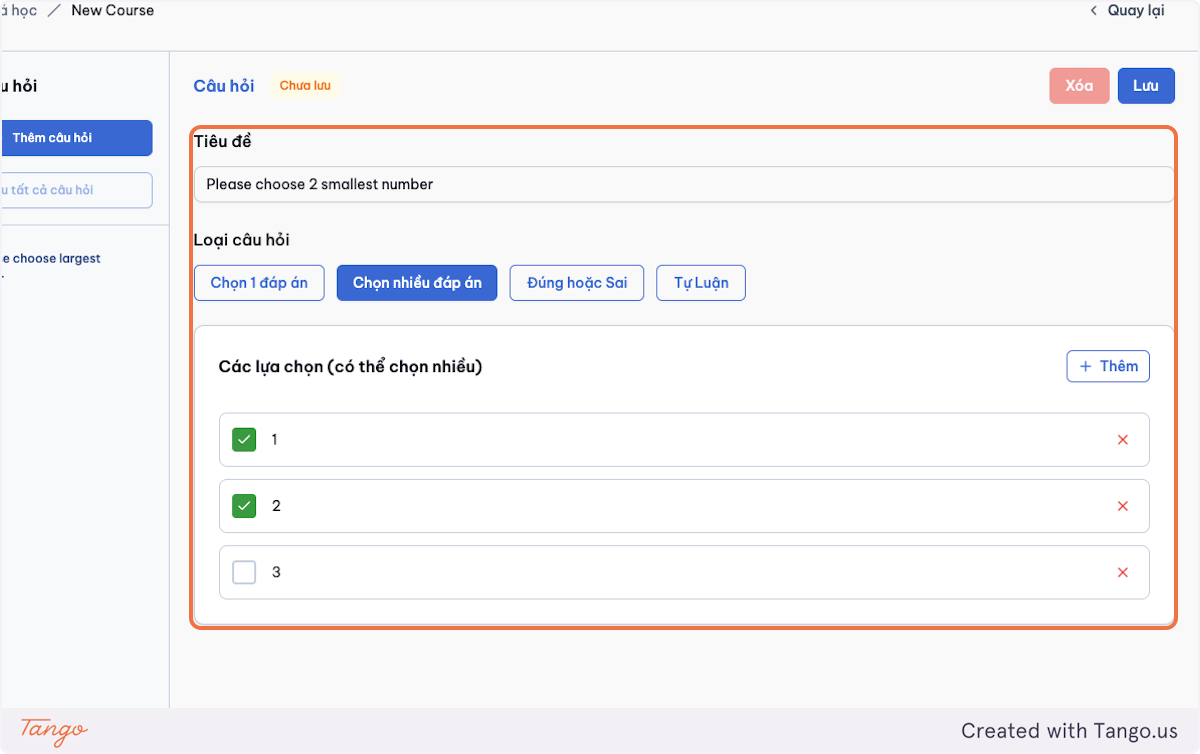
Configure the display status:
- Draft
- Published
- Hidden
-
Click Save.
-
Confirm that the competition and its award winners appear in the Hall of Fame.
1.10.2) Contest Management
-
Access Contest Management.

-
Select Create New Contest.

-
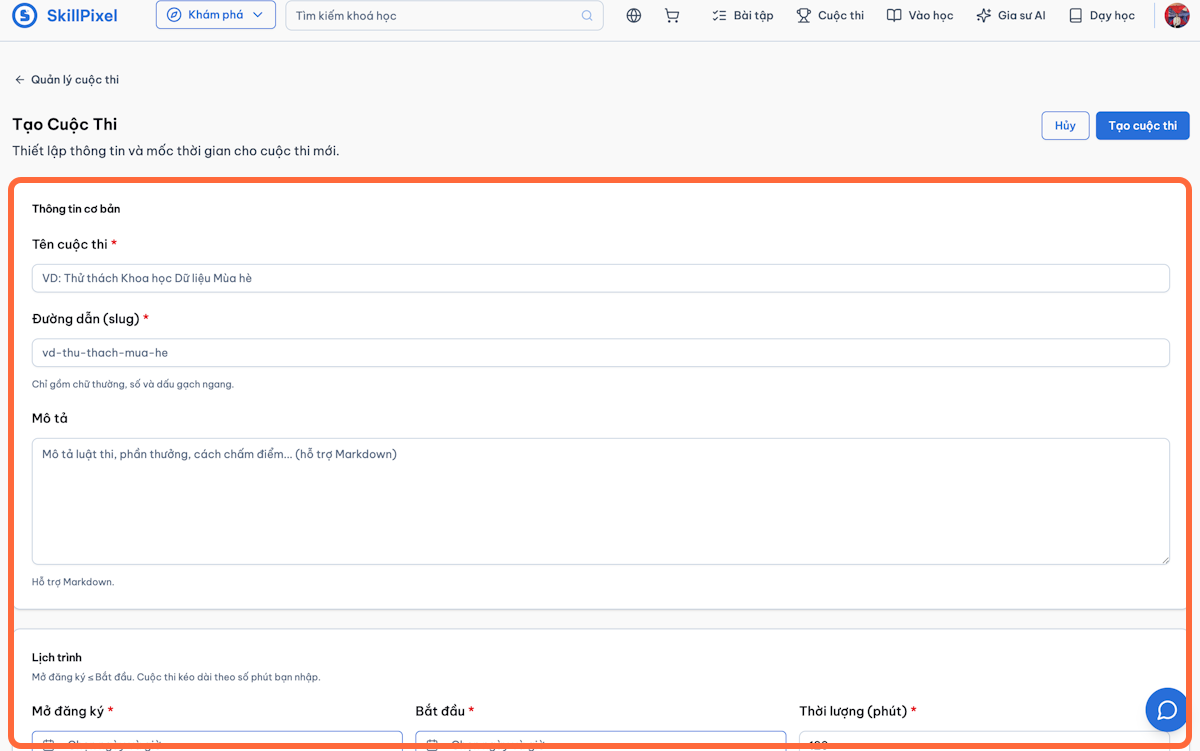
Enter:
- Contest name
- Slug
- Description
- Schedule
- Problem roster
-
Select Create Contest.