Publish and Registration
2.3 Publish the Course
Once the module and lesson structure is complete, publish the course so it appears on the home page and is ready for learners.
-
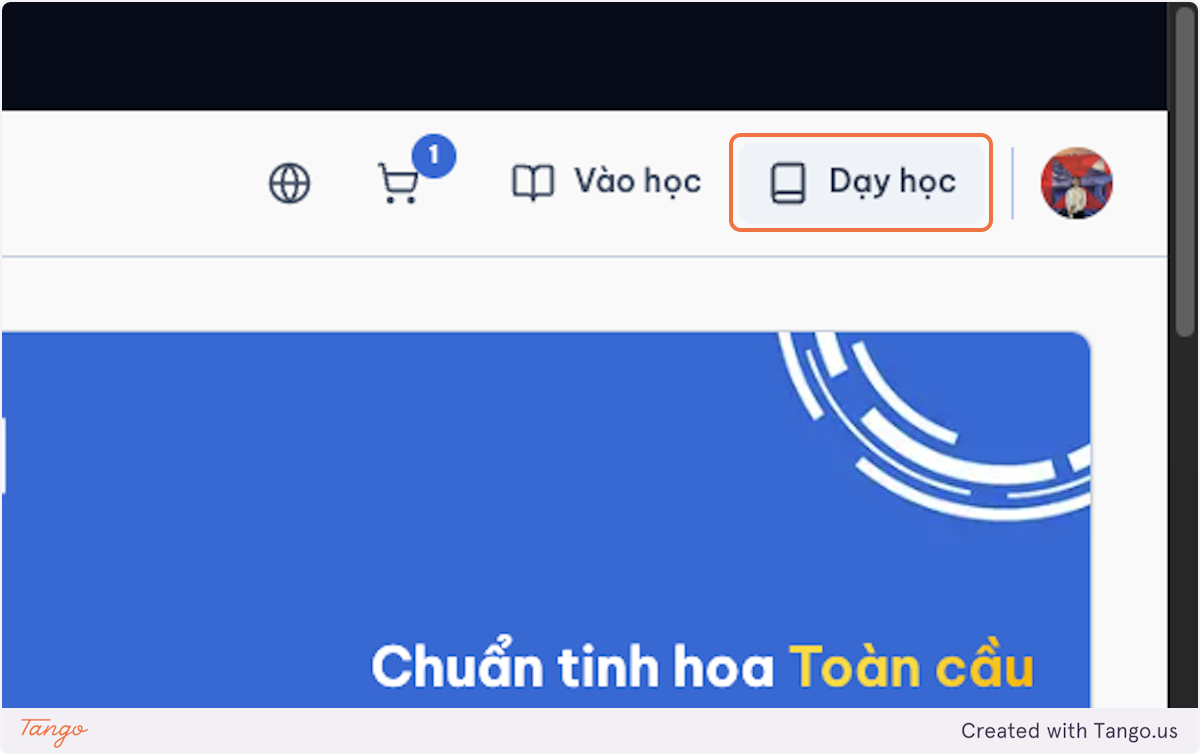
Click on Teaching.
-
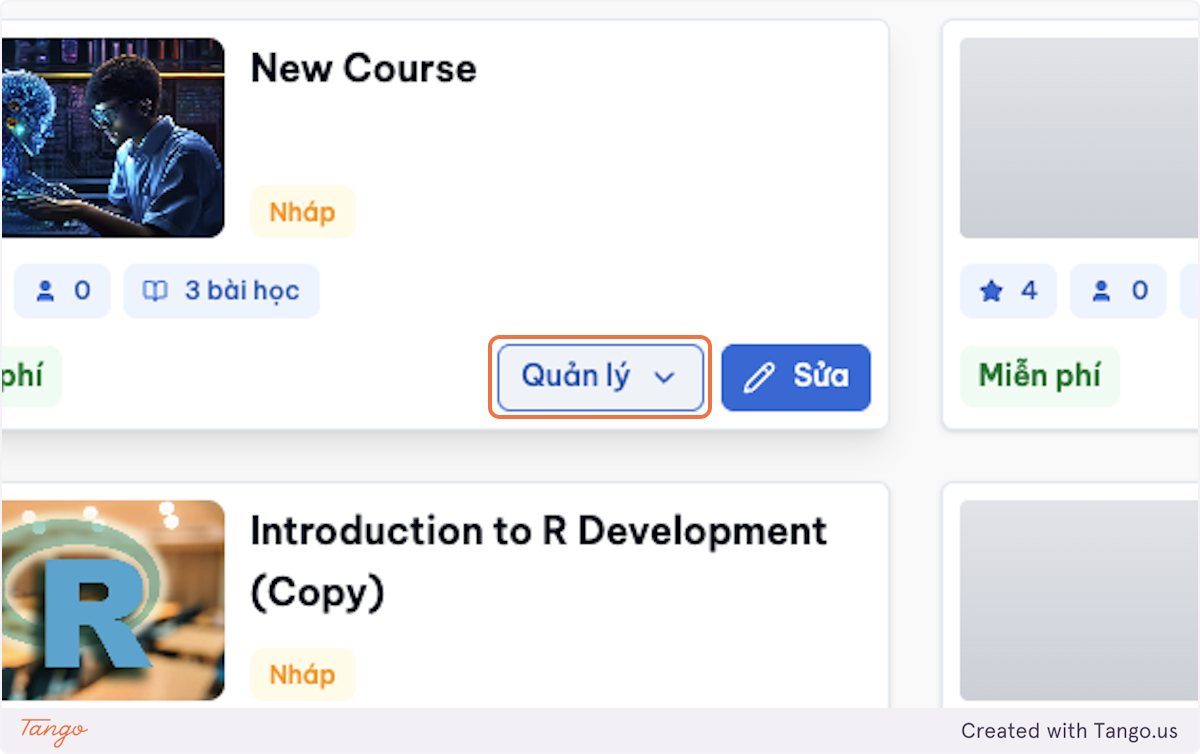
Click on Manage for the course you want to publish.
-
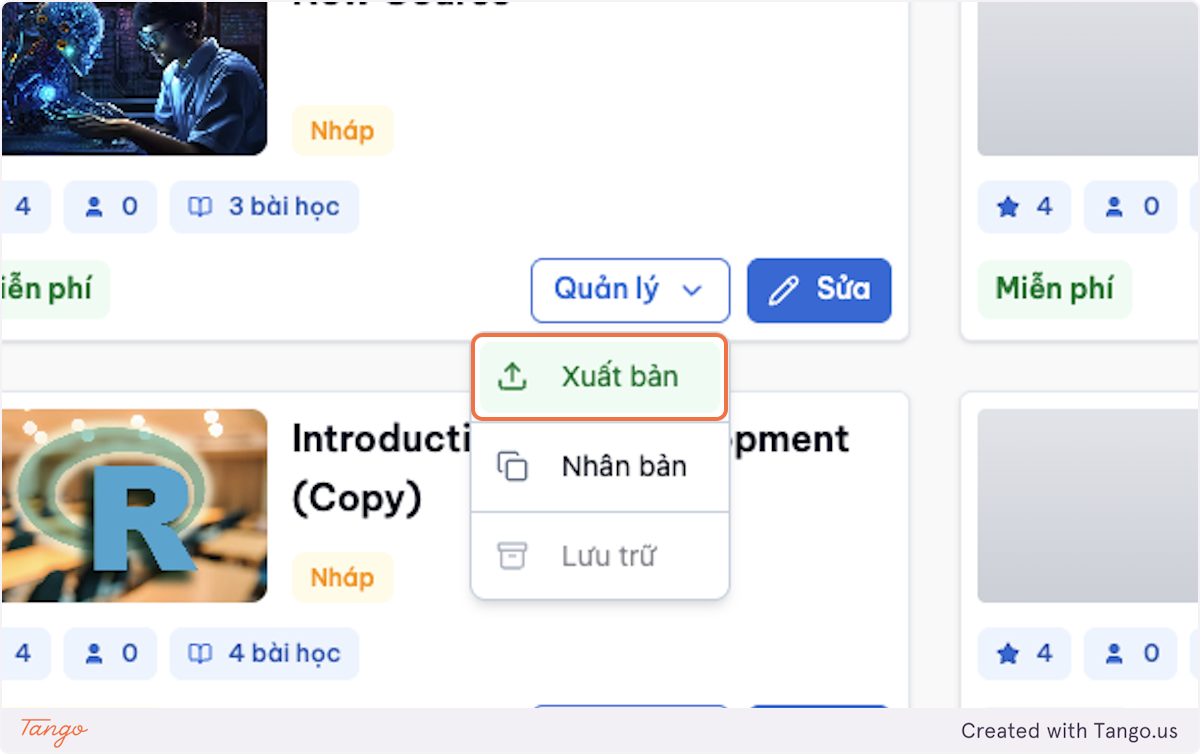
Click on Publish.
-
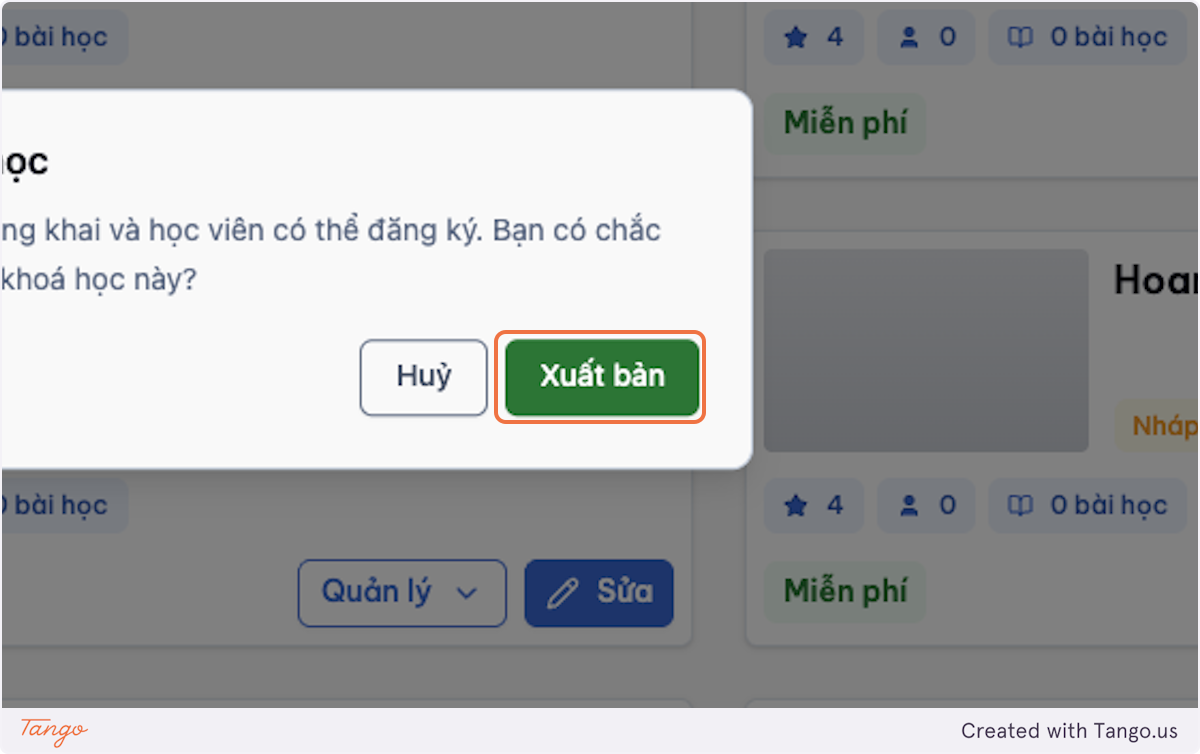
Choose Publish in the dialog to confirm.
-
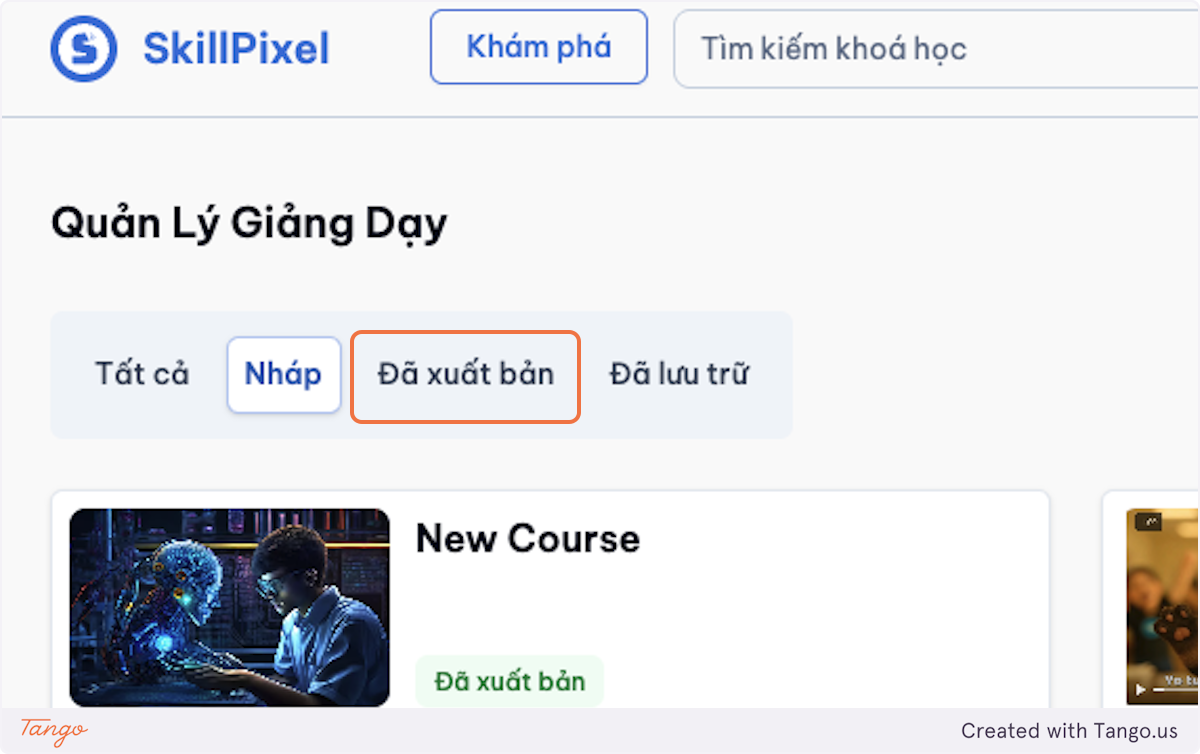
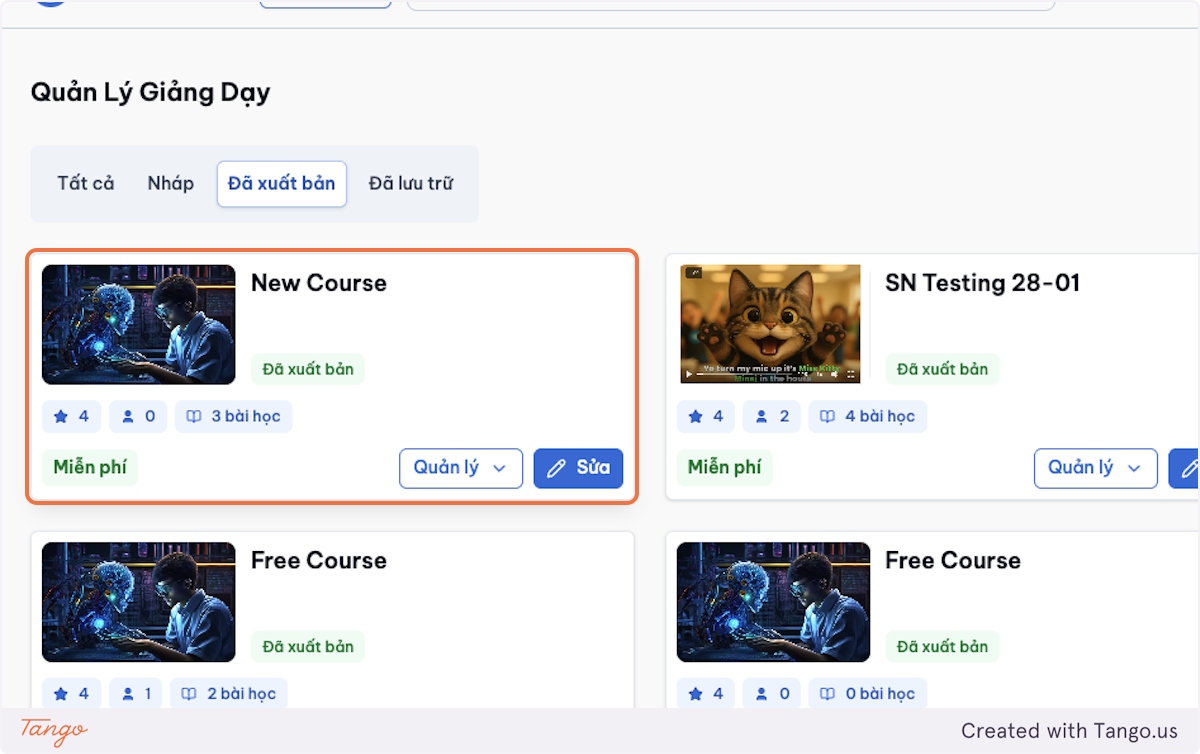
Go to Published to check the published courses.
2.4 Open for Course Registration
To let learners start enrolling, enable registration for the course.
-
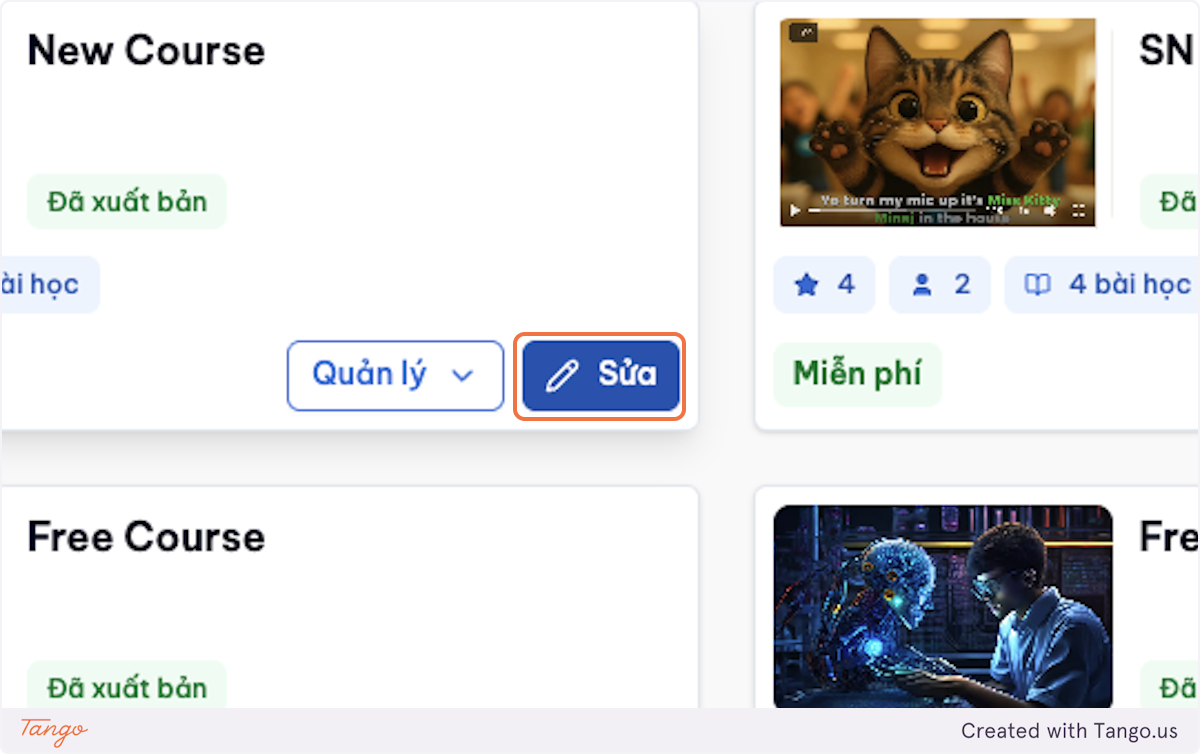
Click on Edit for the course.
-
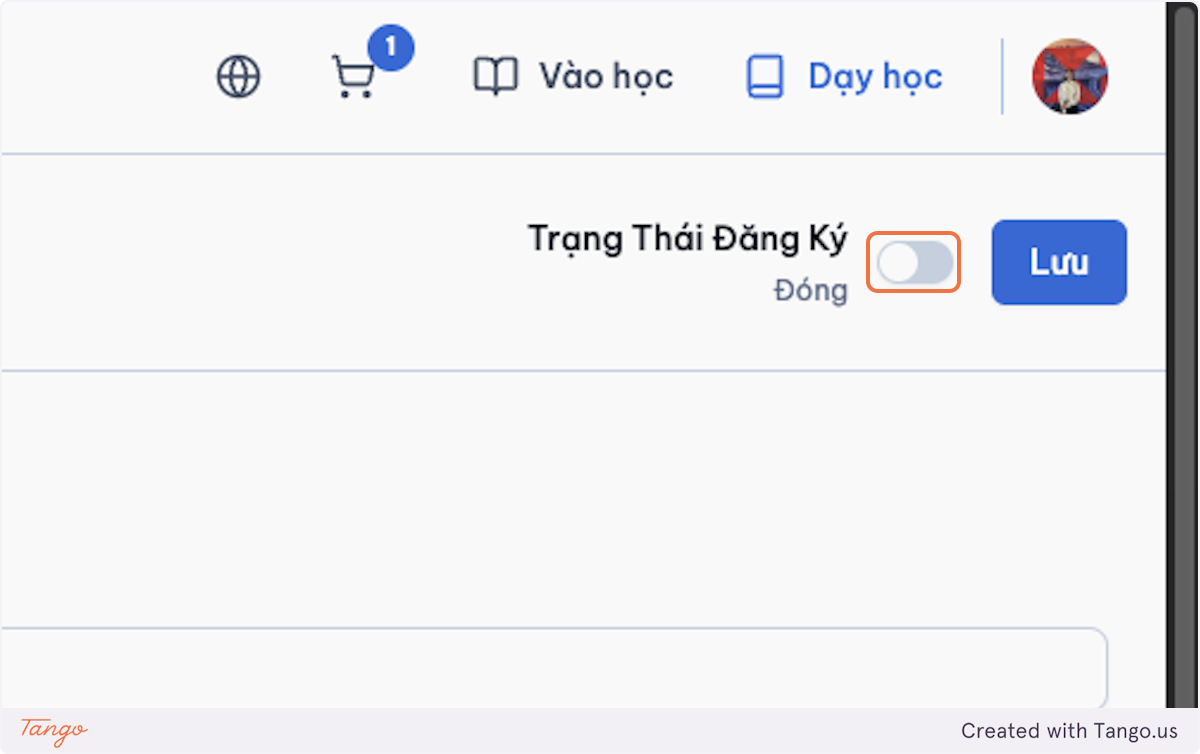
Switch the Registration Status button to open if you would like to open the course for registration.
-
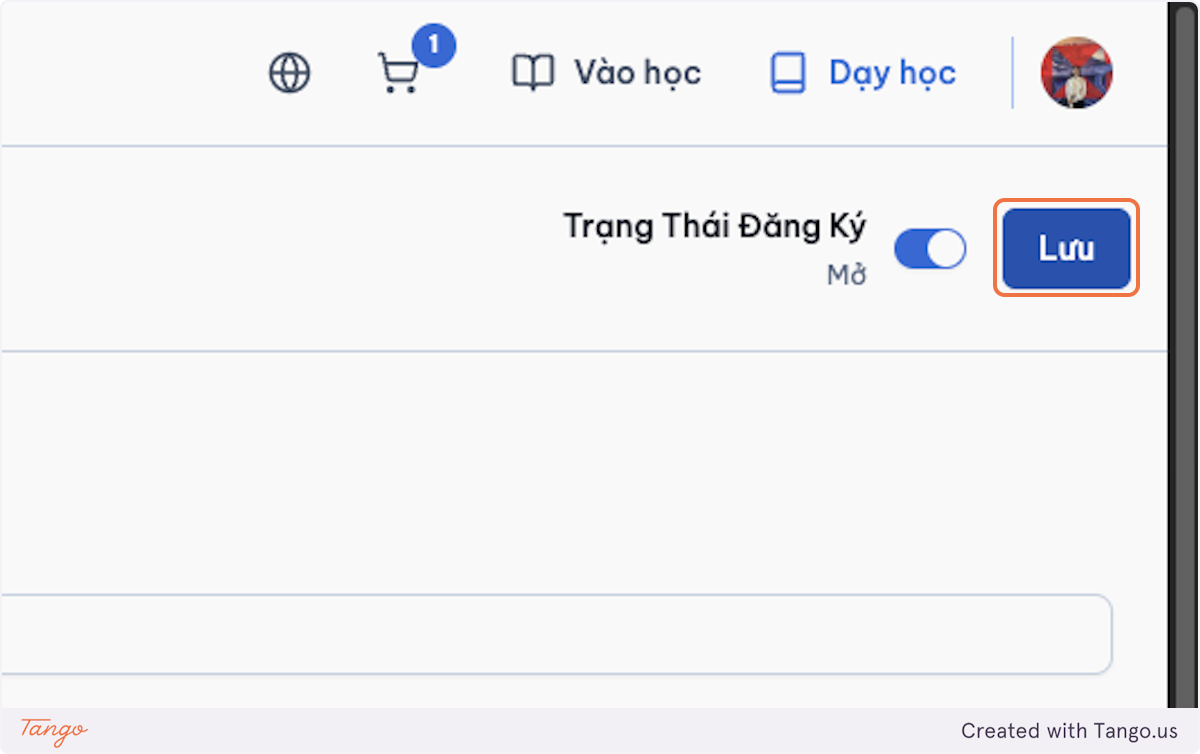
Click on Save.
2.5 Course Student Registration Management
This lets instructors and admins track the learners who joined the course.
-
Go to Edit Course.
-
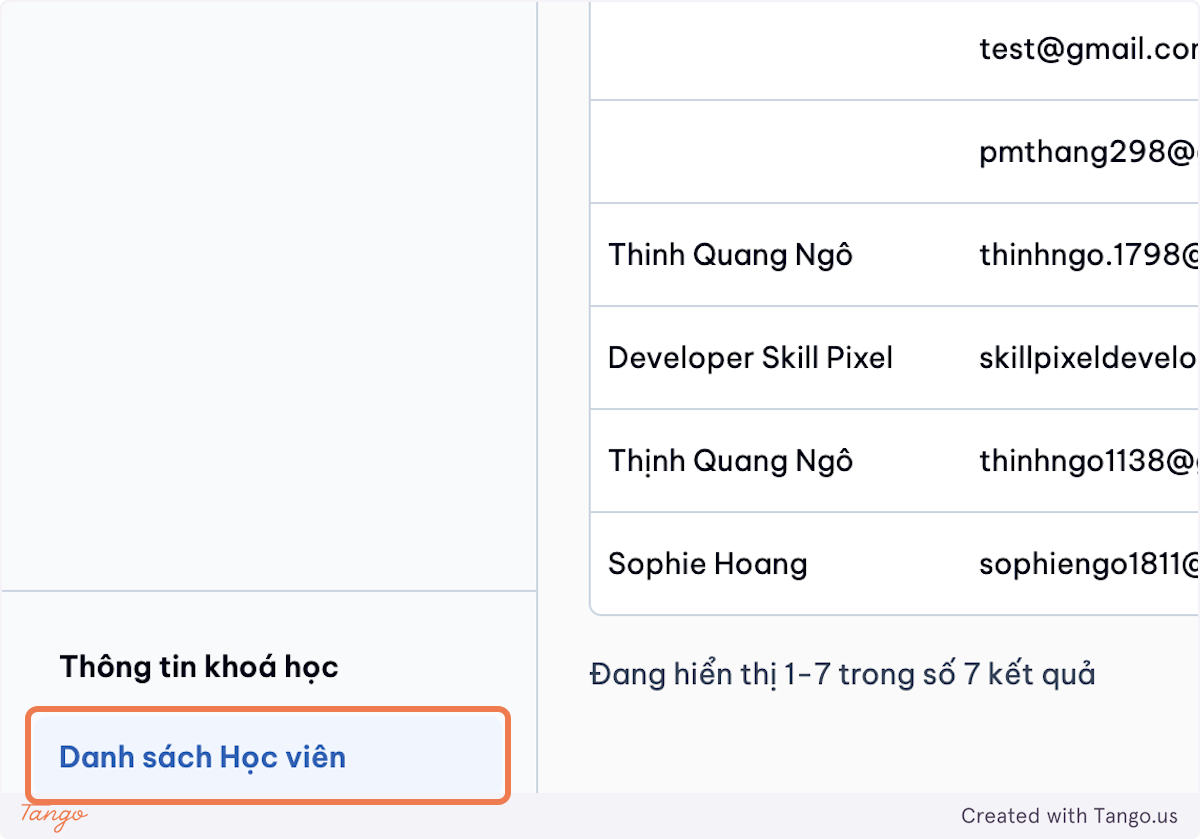
Click on Danh sách Học viên (Student List) at the bottom.