Student: Reviews and Certificates
3.6 Submit a Course Review
-
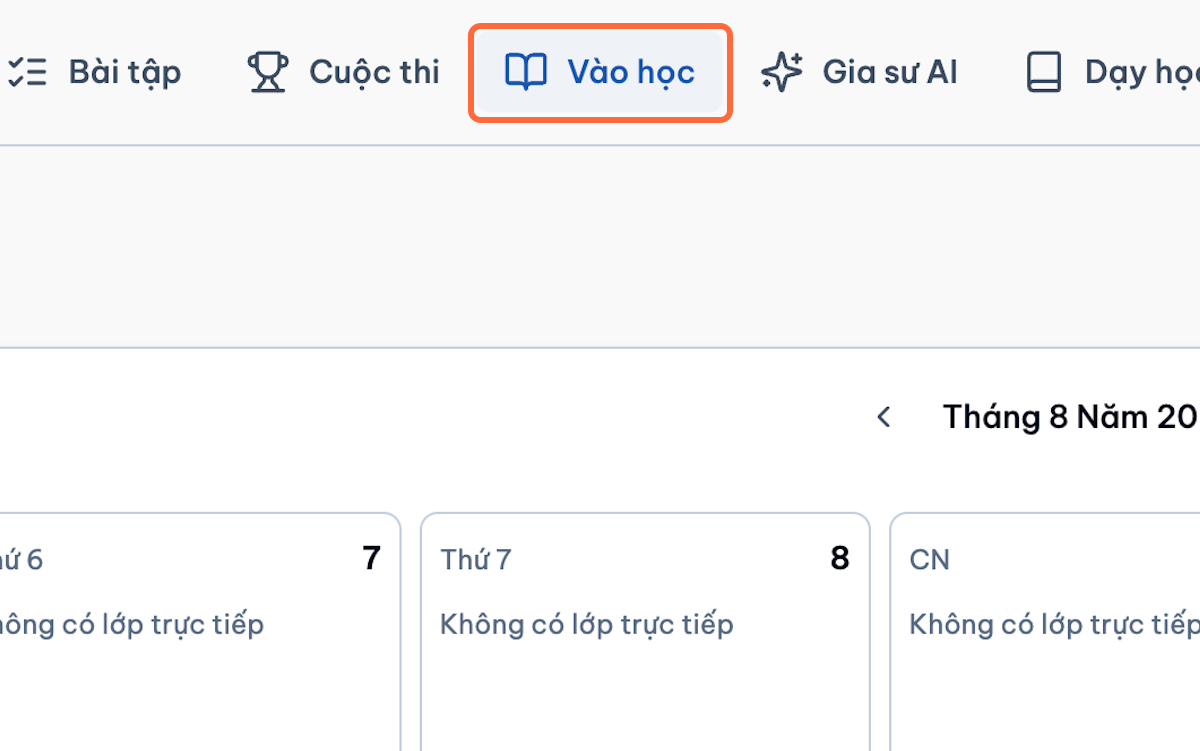
Open the enrolled or completed course.
-
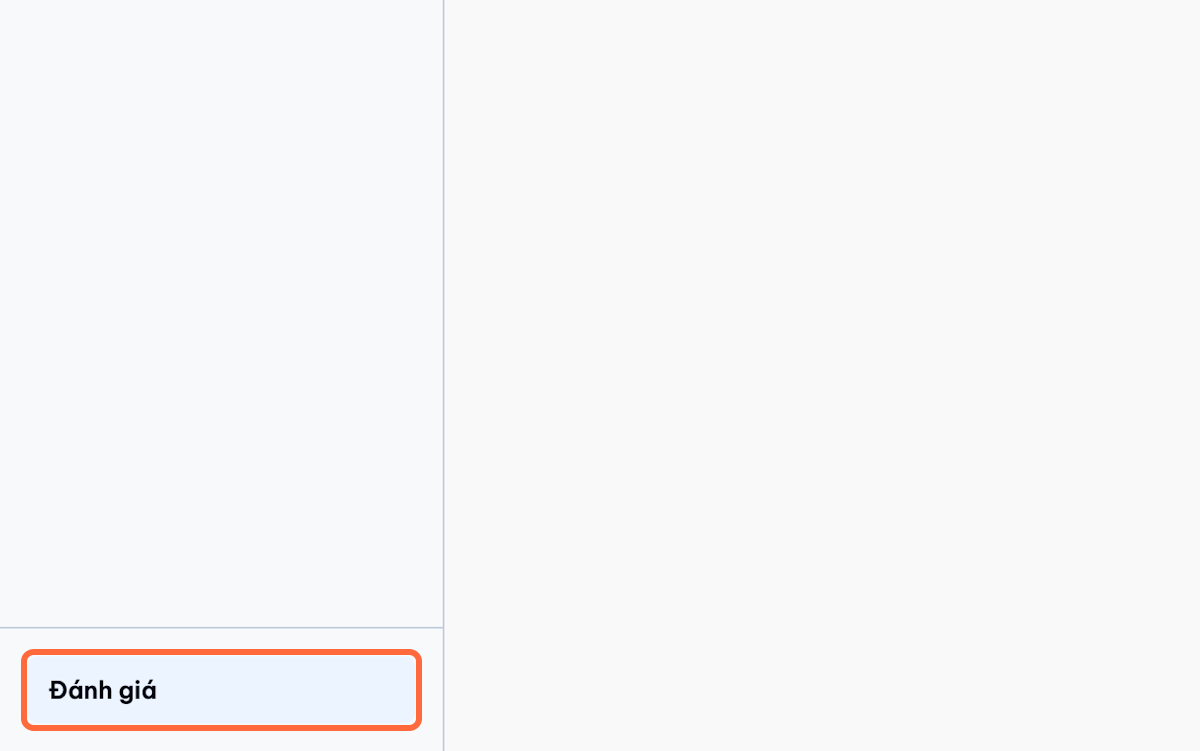
Select Reviews.
-
Click Write a Review.
-
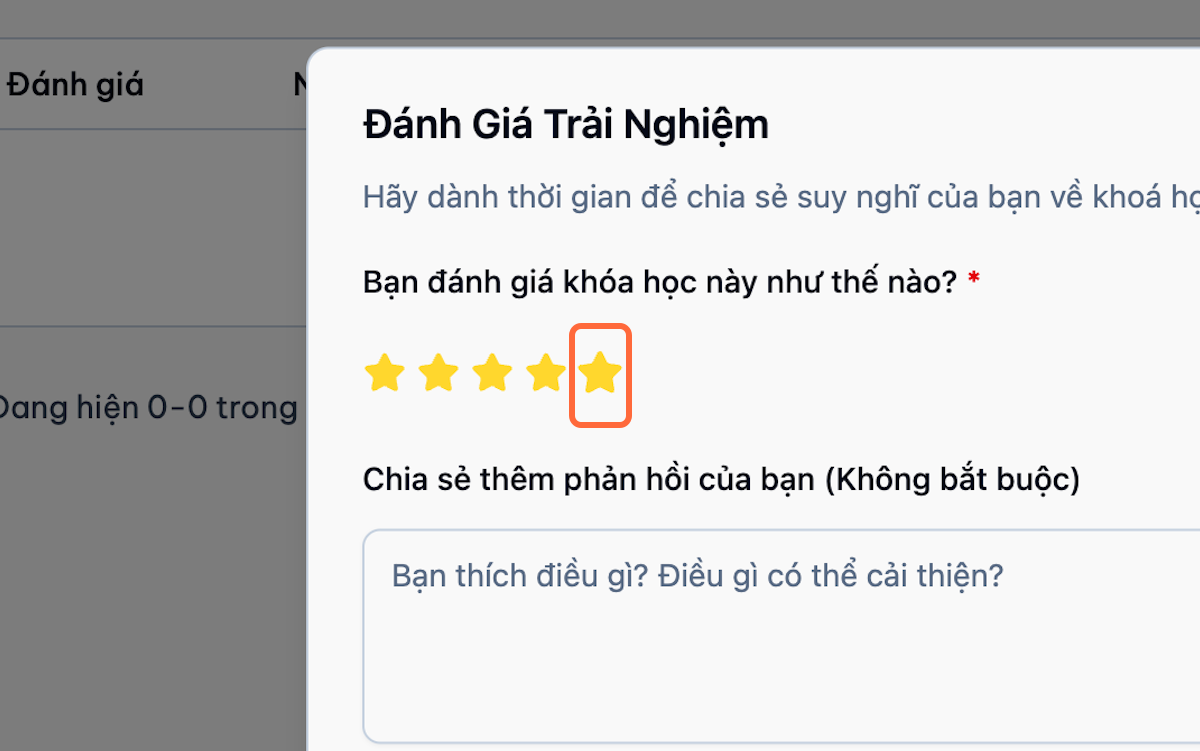
Select a rating.
-
Choose whether the review may be displayed publicly.
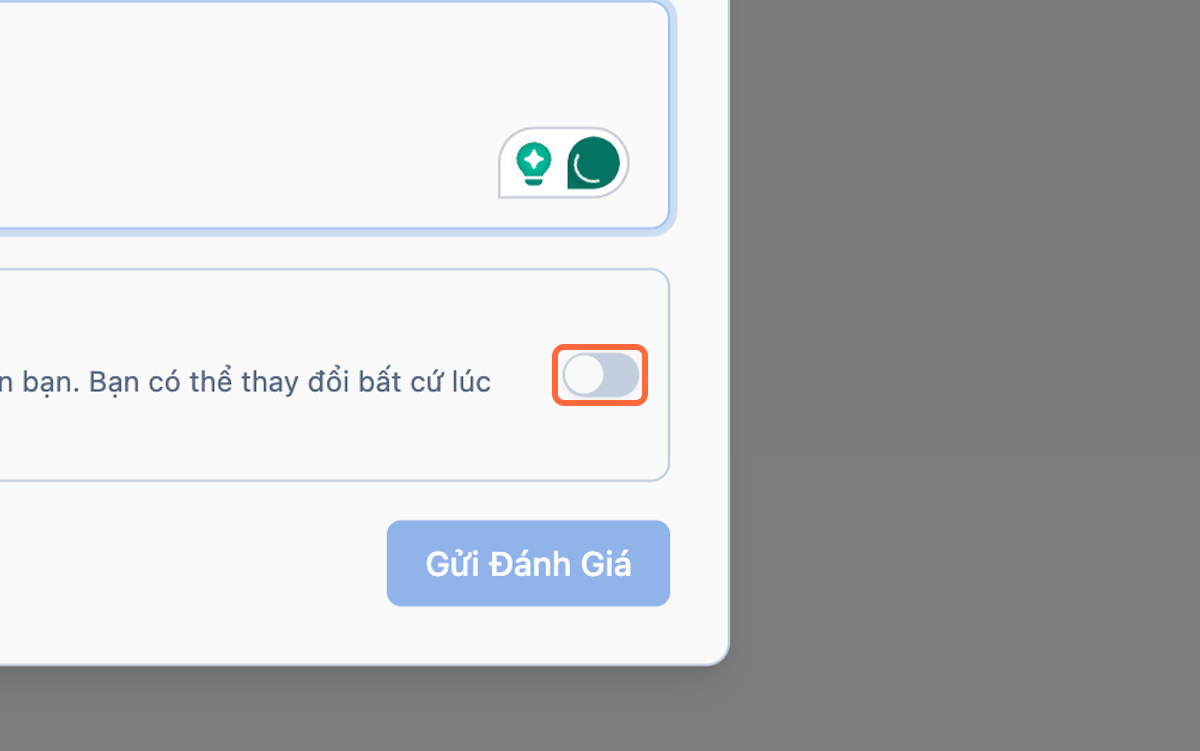
-
Select Submit.
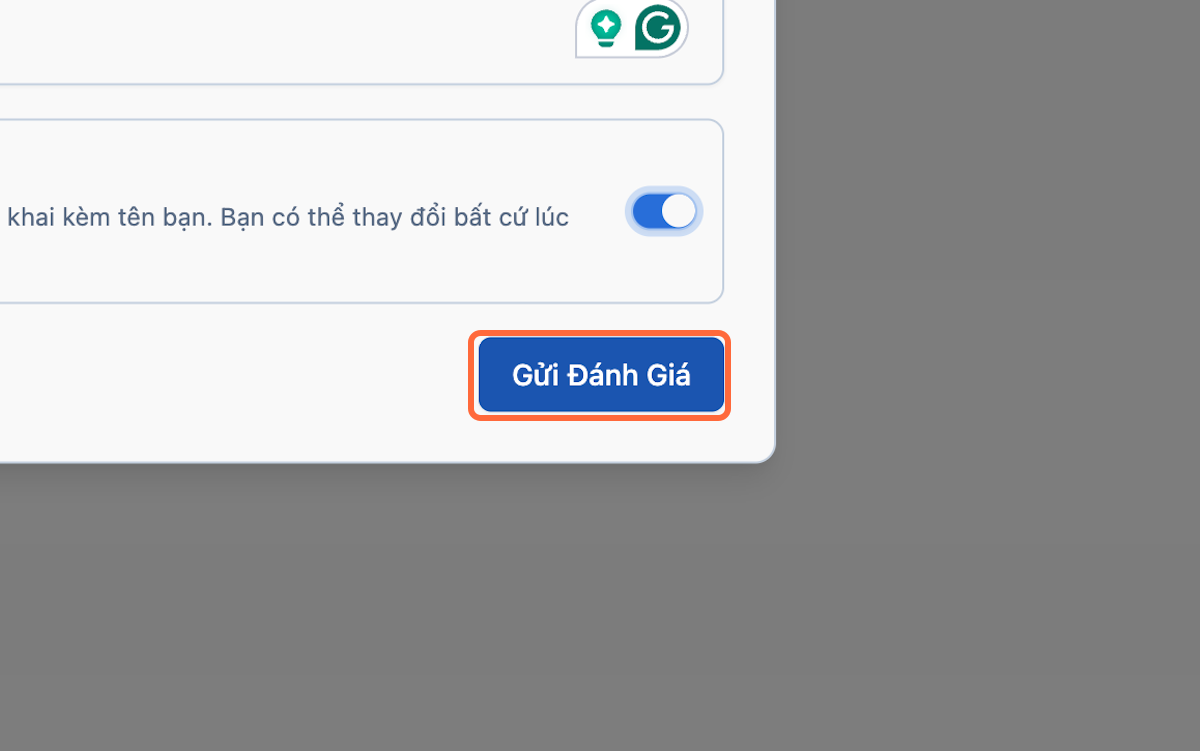
Edit or Delete a Review
- Open My Reviews or the course review page.
- Find the review.
- Select Edit or Delete.
- Confirm the change.
Important Note
Reviews may require moderation before appearing publicly.
3.7 Download and Verify a Certificate
3.7.1) Check Certificate Eligibility
-
Complete all required lessons.
-
Pass all required quizzes.
-
Submit and pass required assignments or essays.
-
Confirm that instructor approval has been recorded.
-
Verify the name that will appear on the certificate.
-
Open the certificate section.
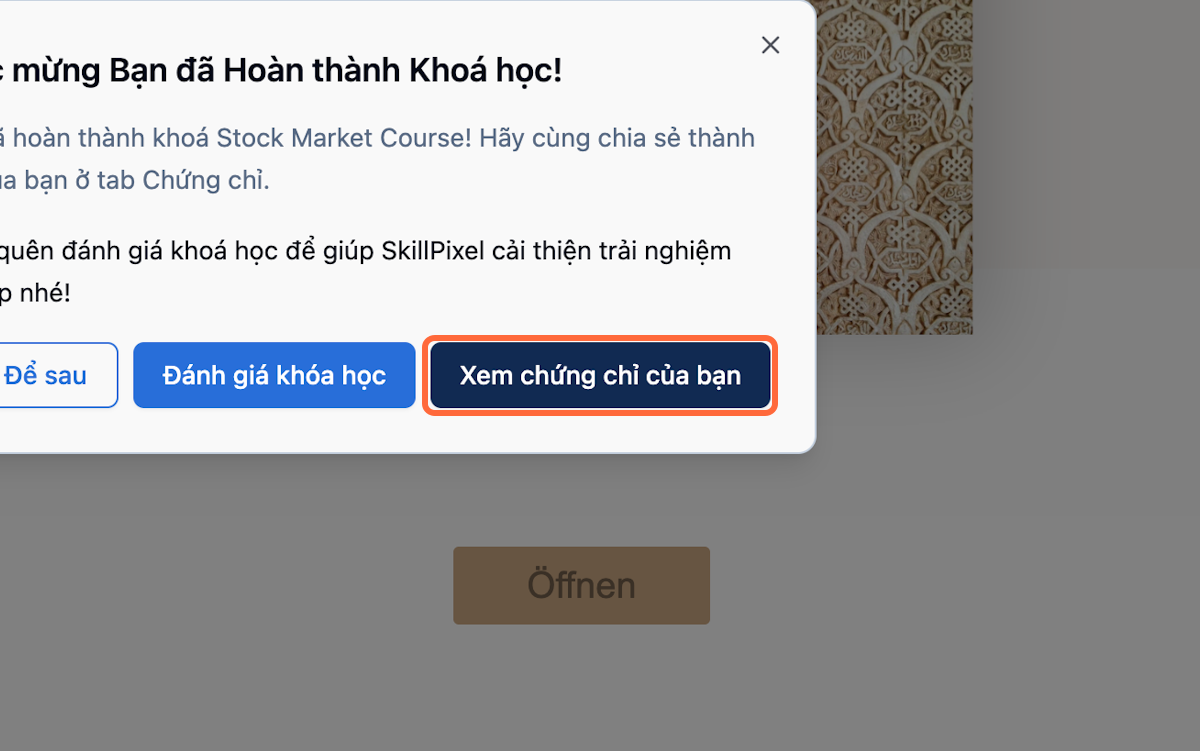
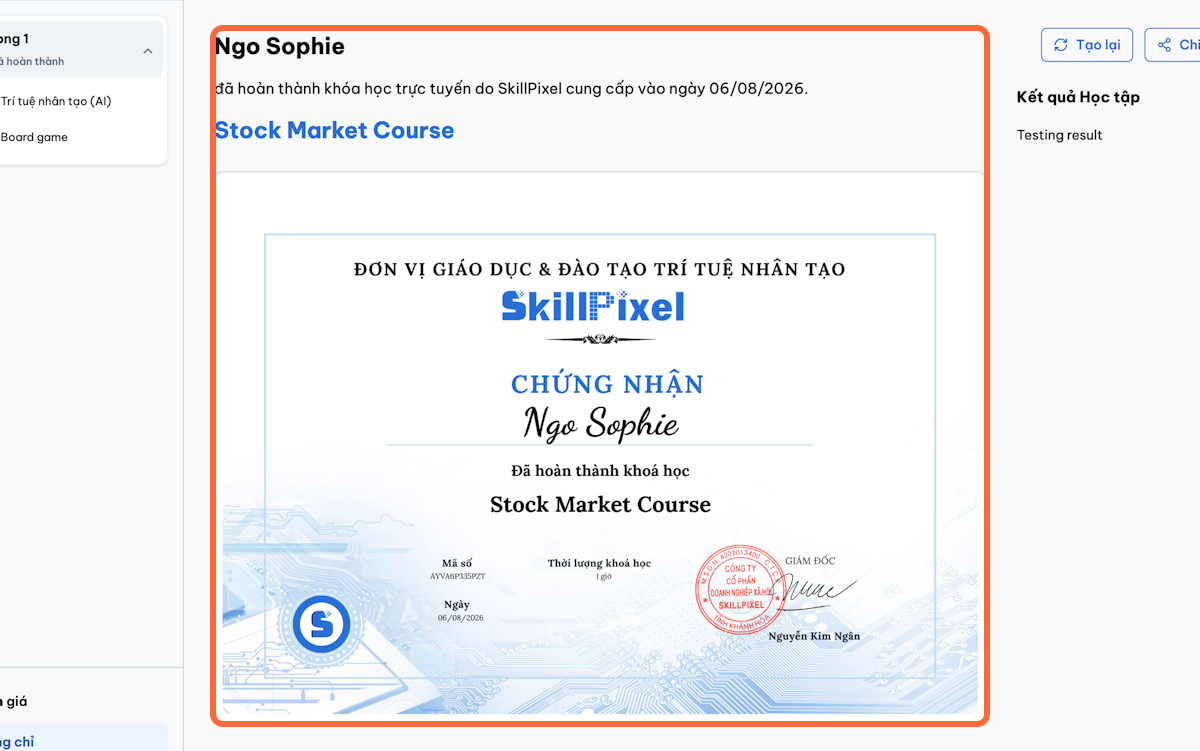
3.7.2) Download a Certificate
-
Open My Certificates or the completed course.
-
Select the certificate.
-
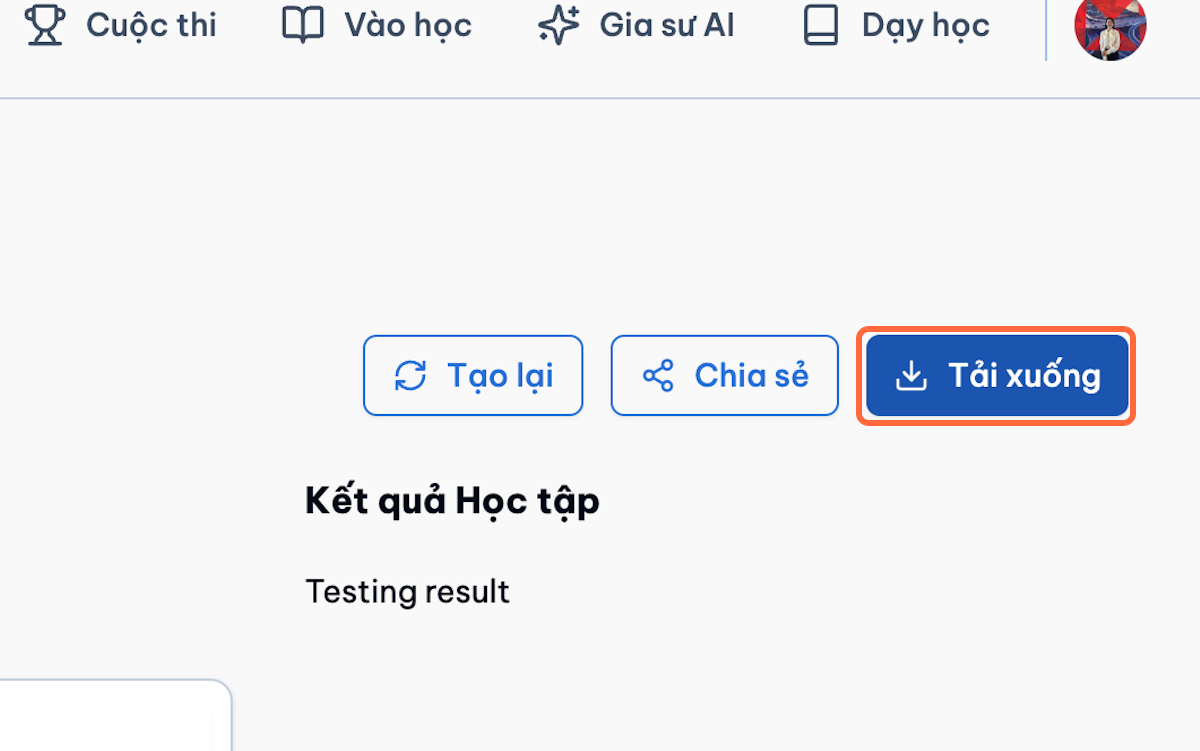
Click Download.
-
Save the file.
-
Return to My Certificates to download it again when required.
-
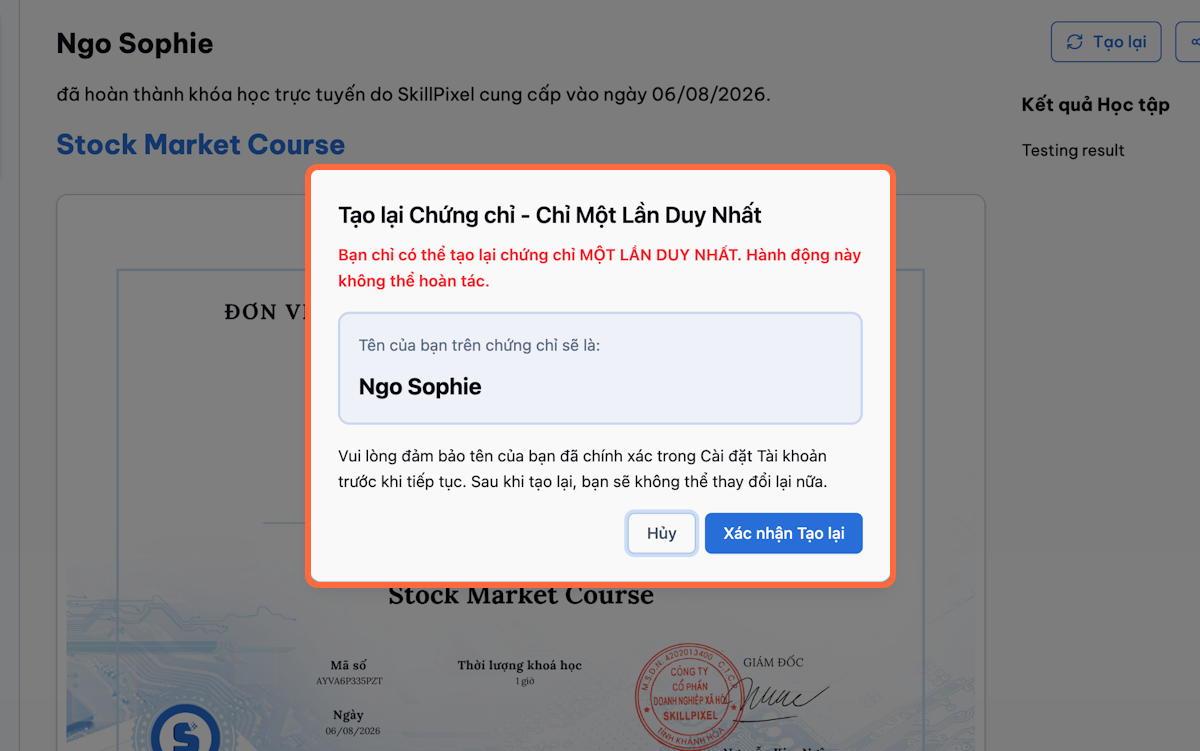
Regenerate the certificate if your name is wrong — you are only allowed to regenerate a certificate once.