Admin: Instructor Management
1.6 Instructor Management
1.6.1) Edit Instructor Profile
-
Access System Management.
-
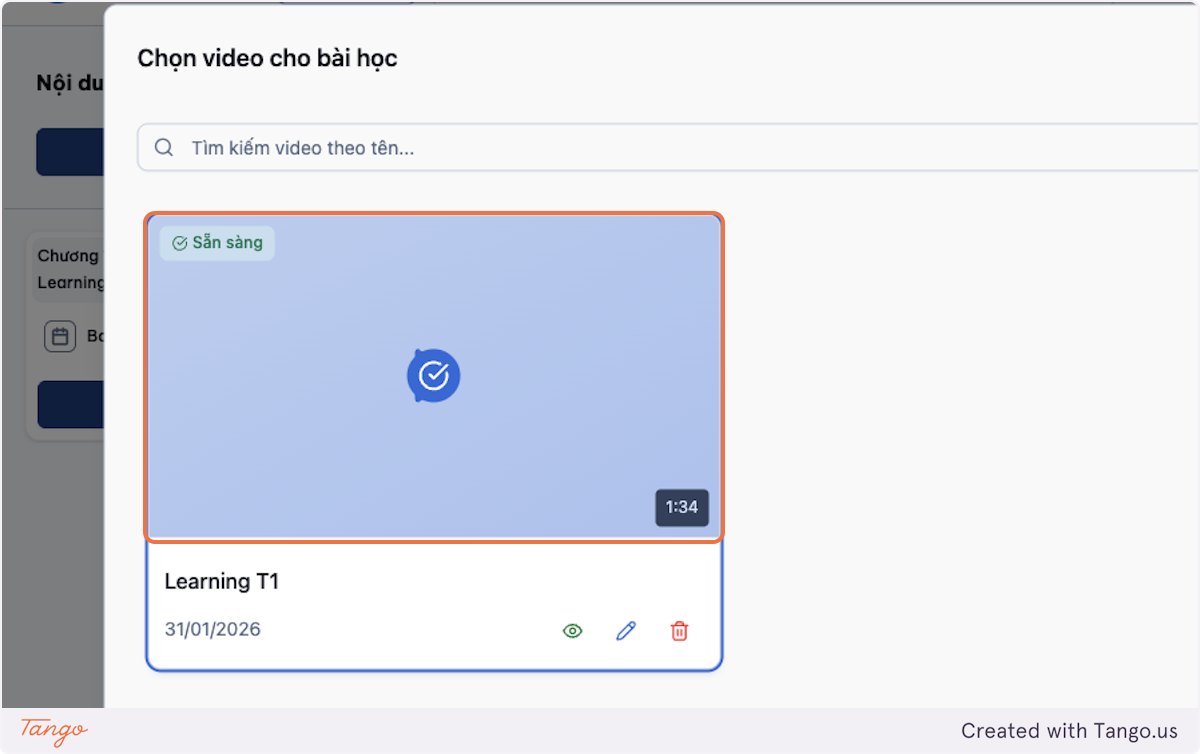
Select Instructor Management.
-
Find the instructor by name or email.
-
Enter:
- First name, middle name, last name
- Email address
- Public biography
- Expertise or position
- Profile image
- Contact or social information, if applicable
-
Click Save.
-
Confirm that the instructor appears in the list, can be assigned to courses, and can access the assigned courses.
1.6.2) Activate or Deactivate an Instructor
-
Go into User Management.
-
Search for the instructor.
-
Click on the dropdown icon and choose Edit.
-
Tag / untag the Instructor role.
-
Click Save.
Important Note
Deactivating an instructor may affect course editing, teaching, live classes, and grading responsibilities.