Course Settings and Students
2.6 Course Settings
-
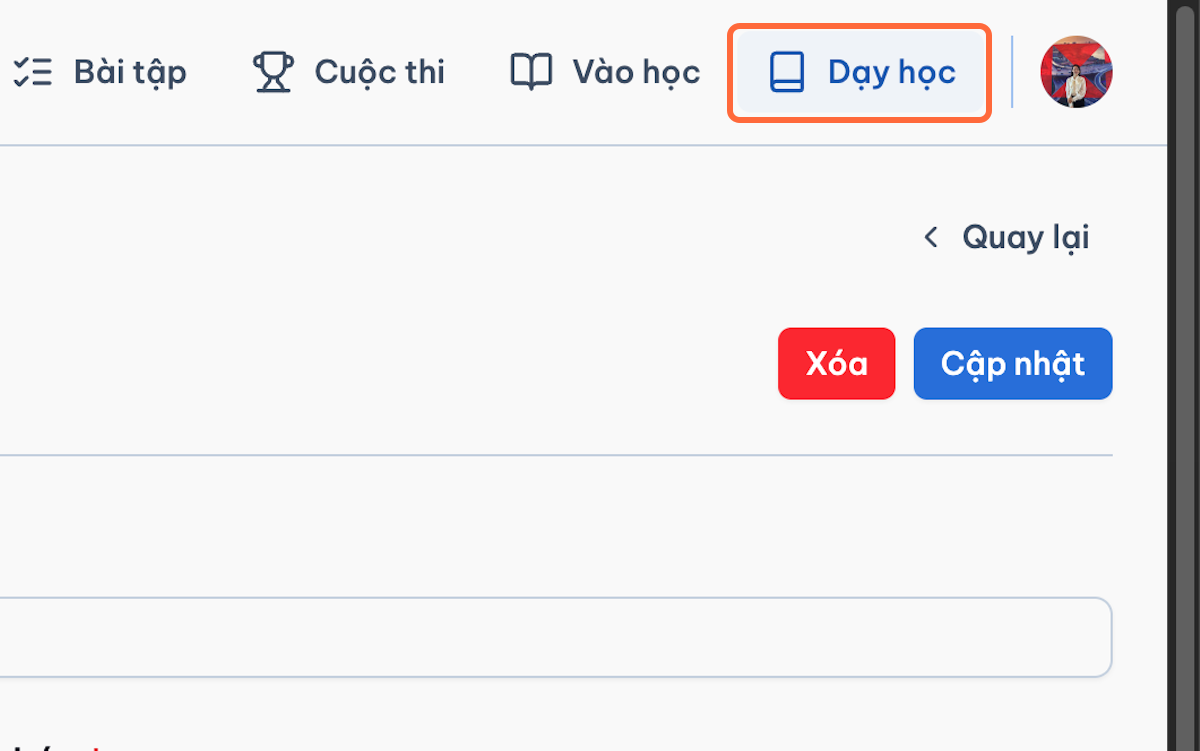
Go to Teaching.
-
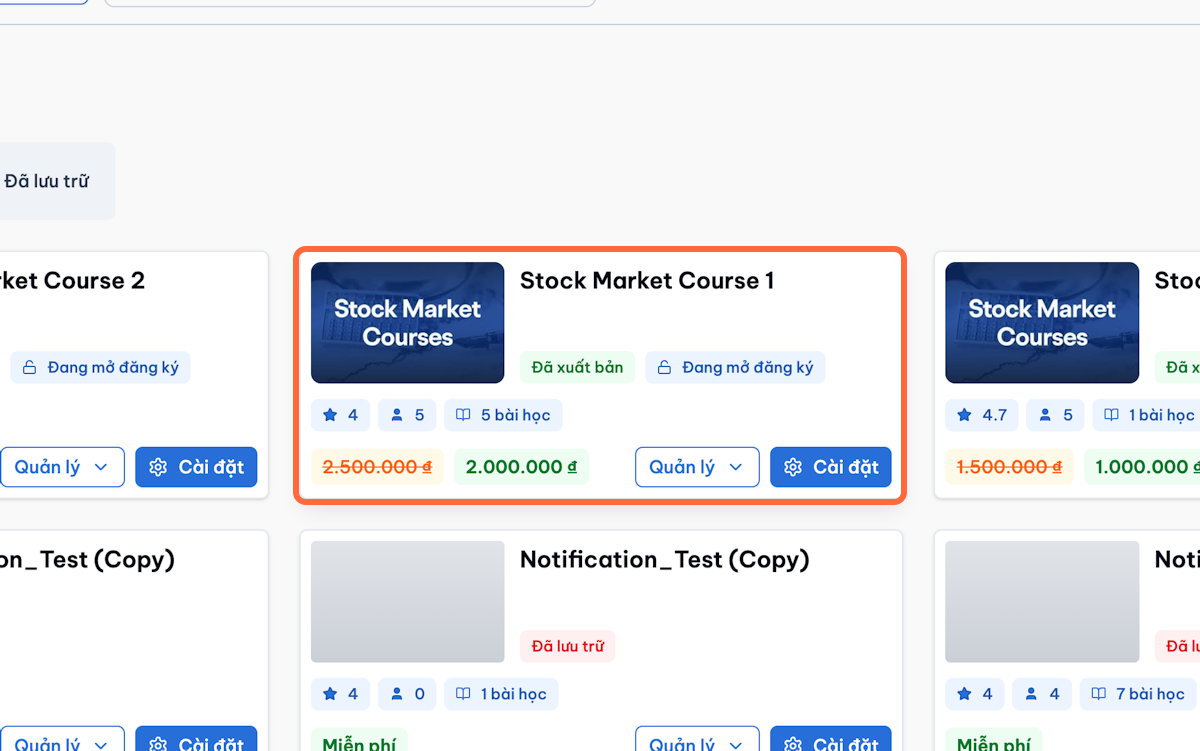
Find the course.
-
Click Settings.

-
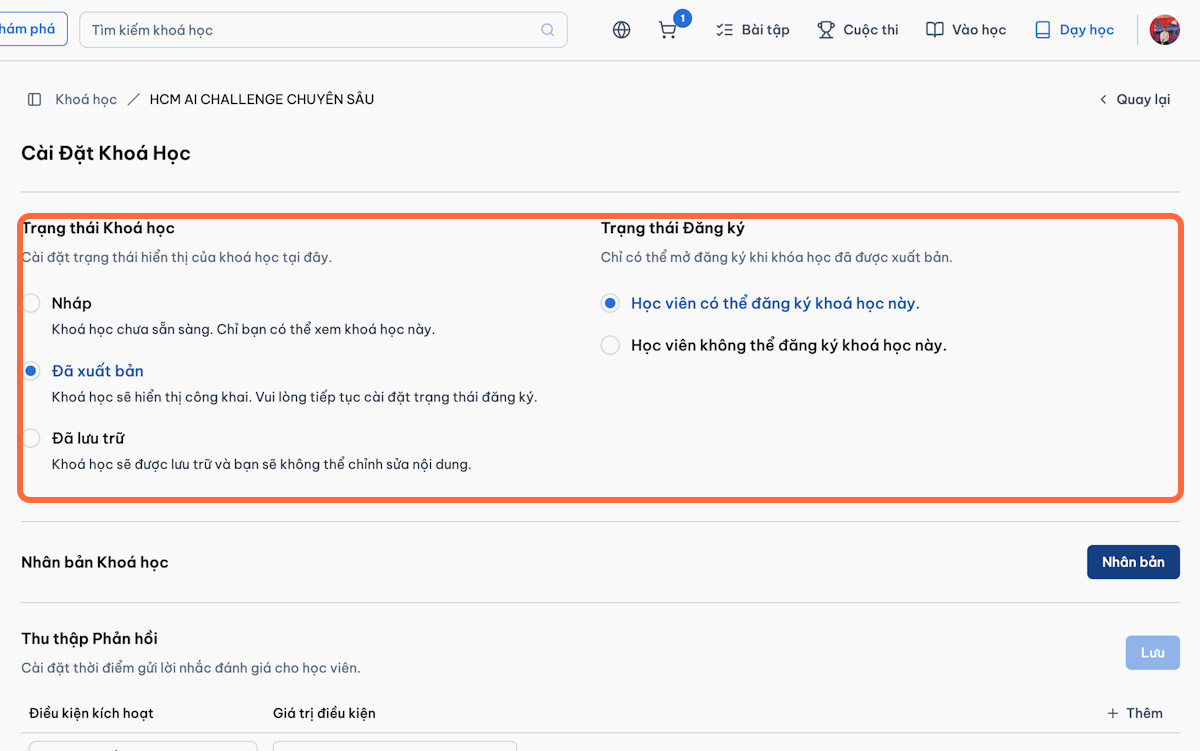
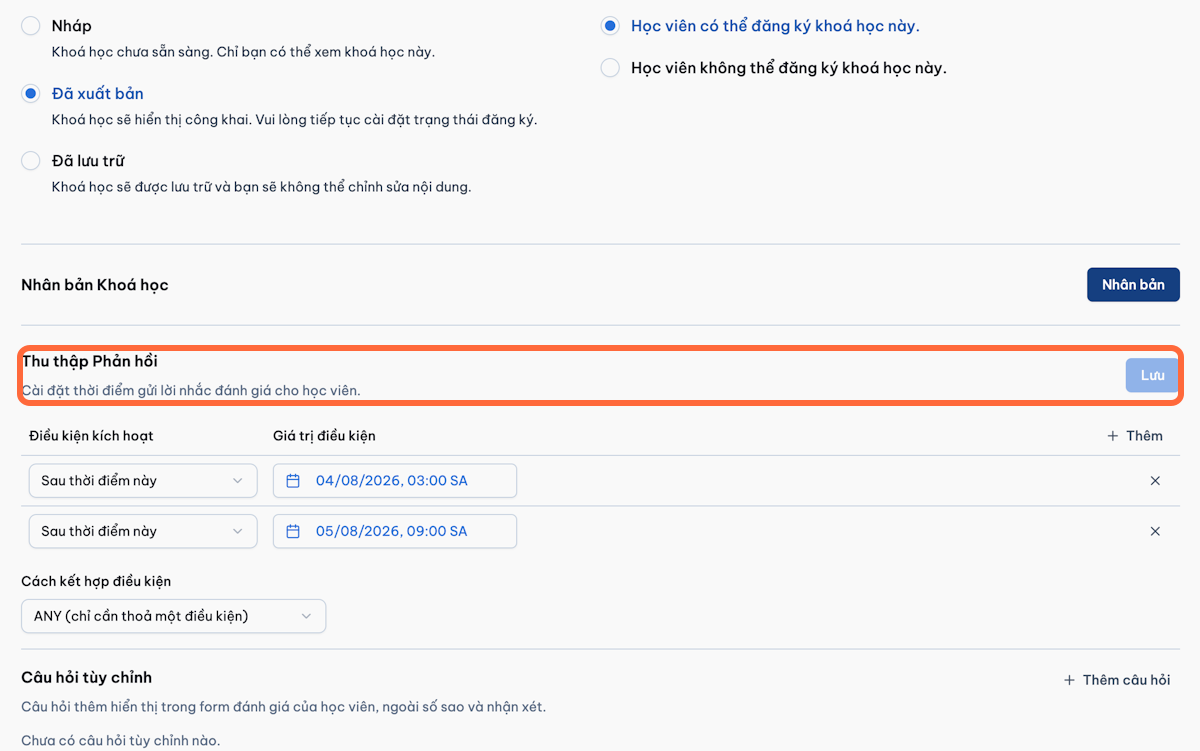
Review and update:
- Course status
- Registration status
-
Click Save.
-
Test the course using a student account.
Important Note
Changing completion conditions after students have started may affect their progress or certificate eligibility.
2.7 Student Management
-
Go to Teaching.

-
Open the course.
-
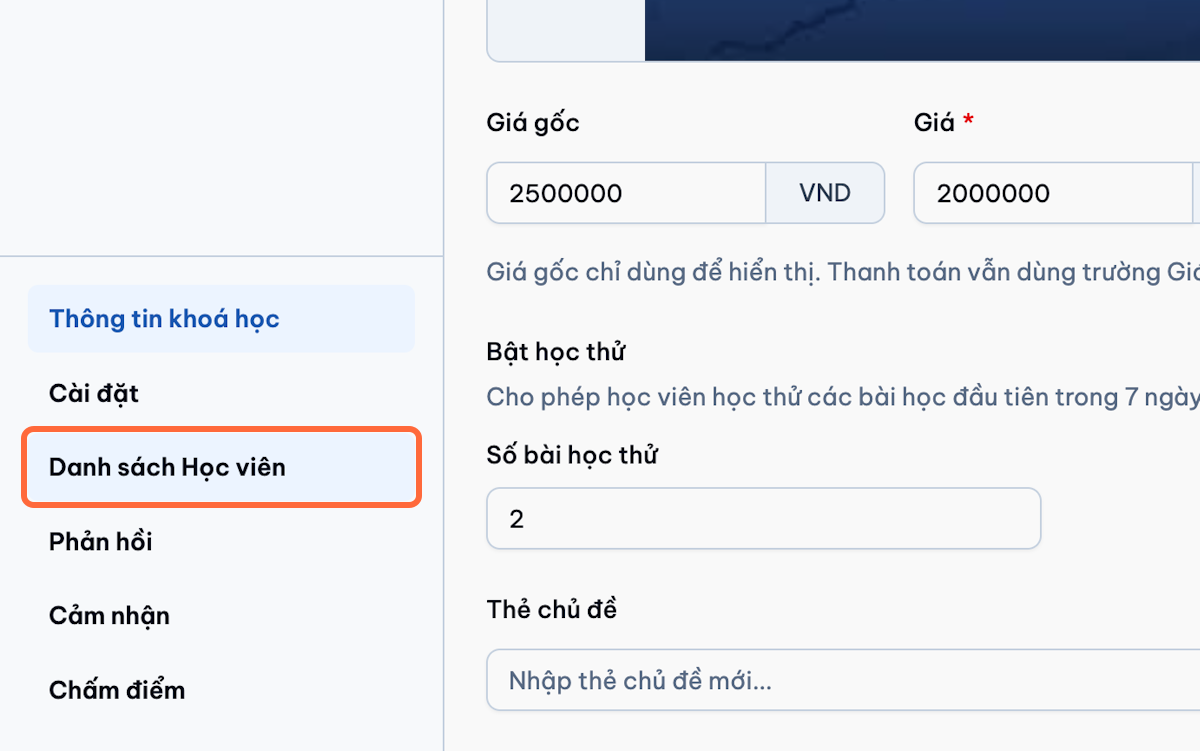
Select Student List (Danh sách Học viên).
-
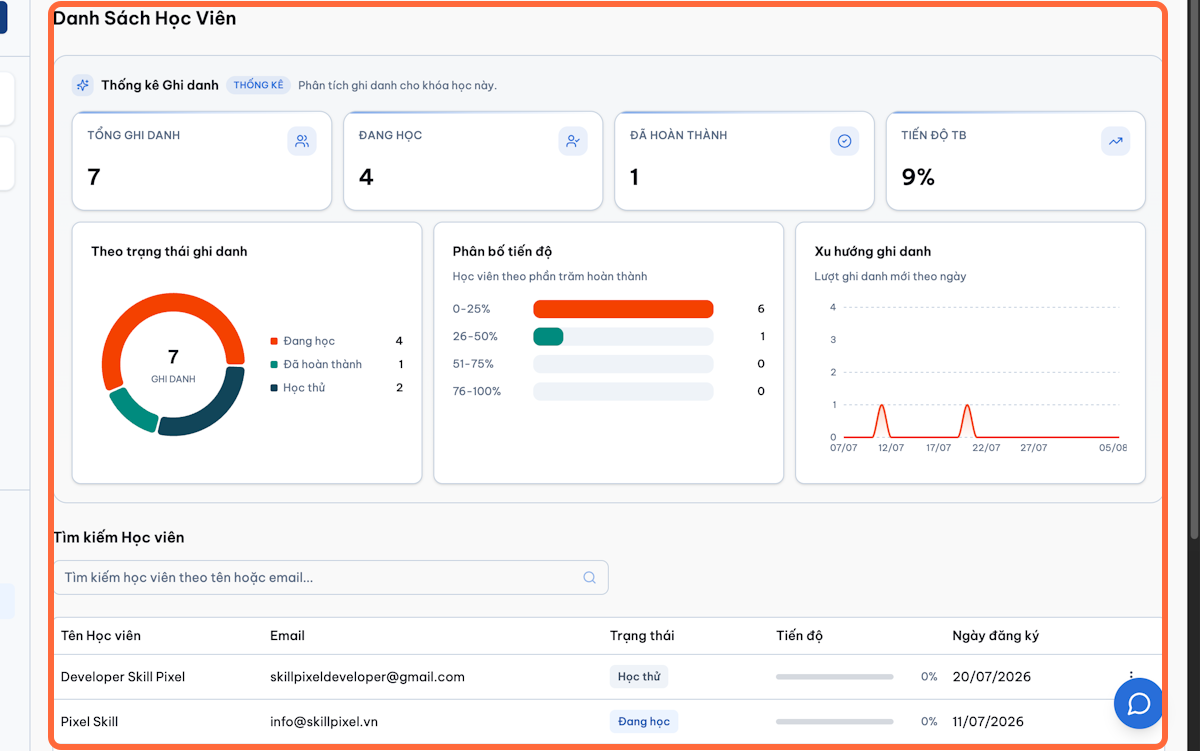
Search or filter students.
-
Review:
- Student name and email
- Enrolment status
- Enrolment date
- Progress percentage
- Completion status
- Assessment status
- Analytics, when enabled
-
Open a student record to review detailed progress.
-
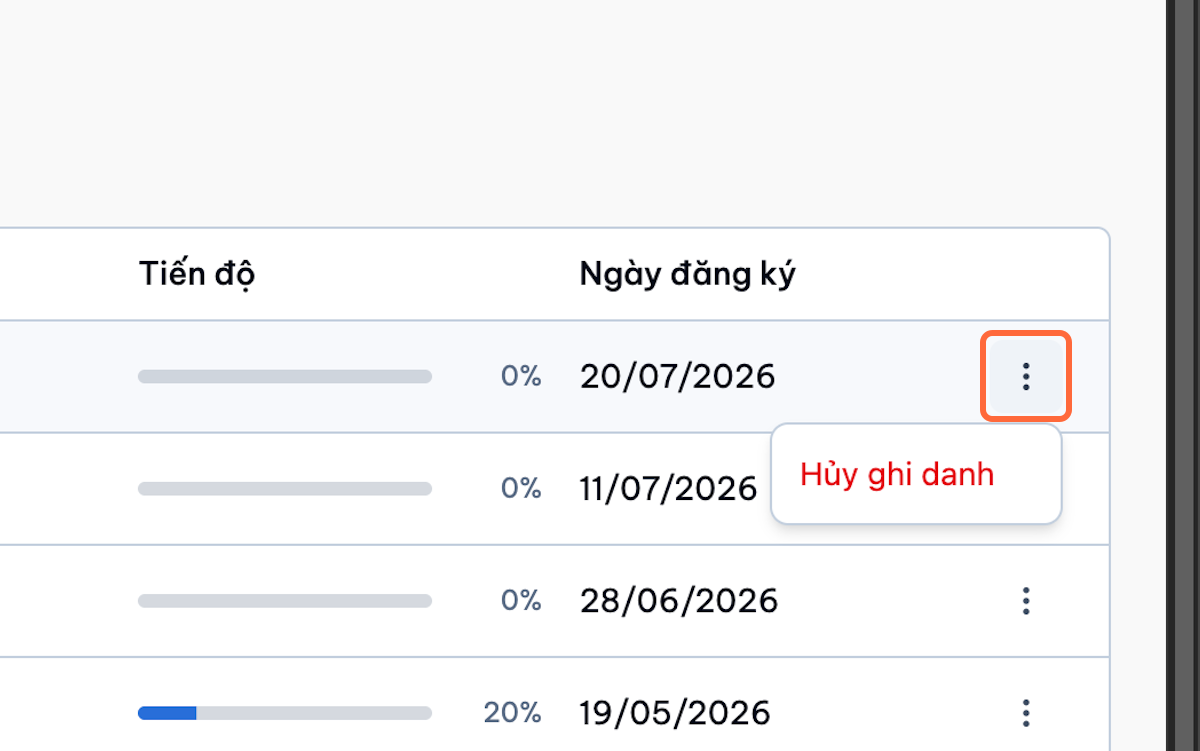
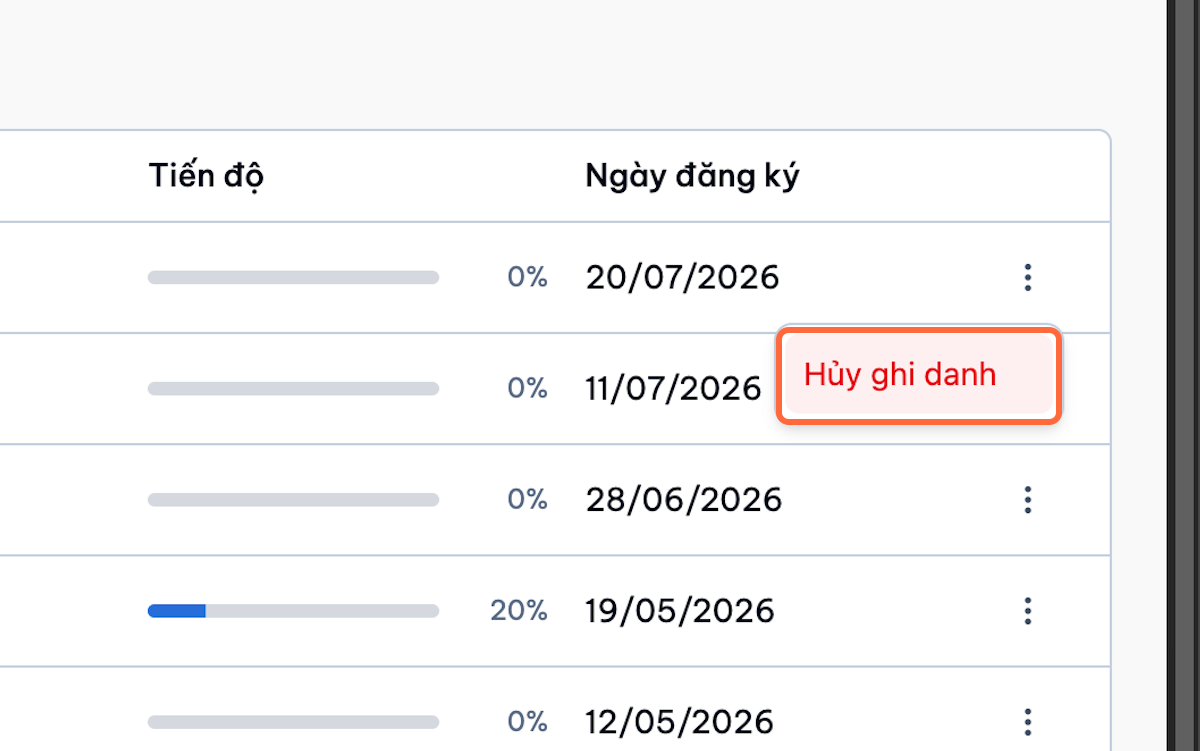
Select Unenrol when authorised.
-
Confirm the action.
Important Note
Unenrolling a student may remove access to course content and may affect progress, grades, and certificates.