Quick Start
For all users.
Register Account
-
Go to the LMS link provided by SkillPixel.
-
Select Sign in.
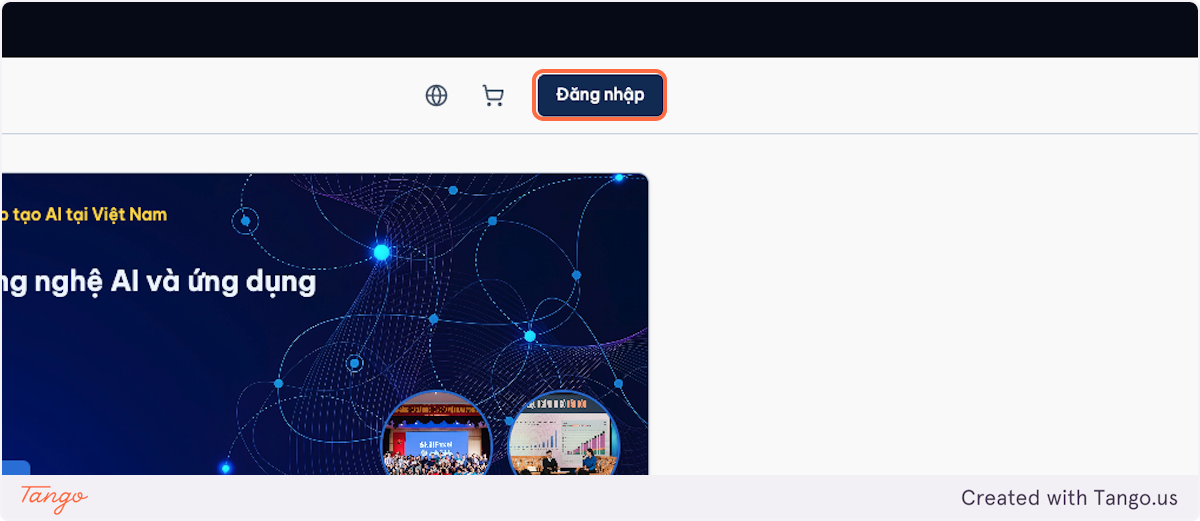
-
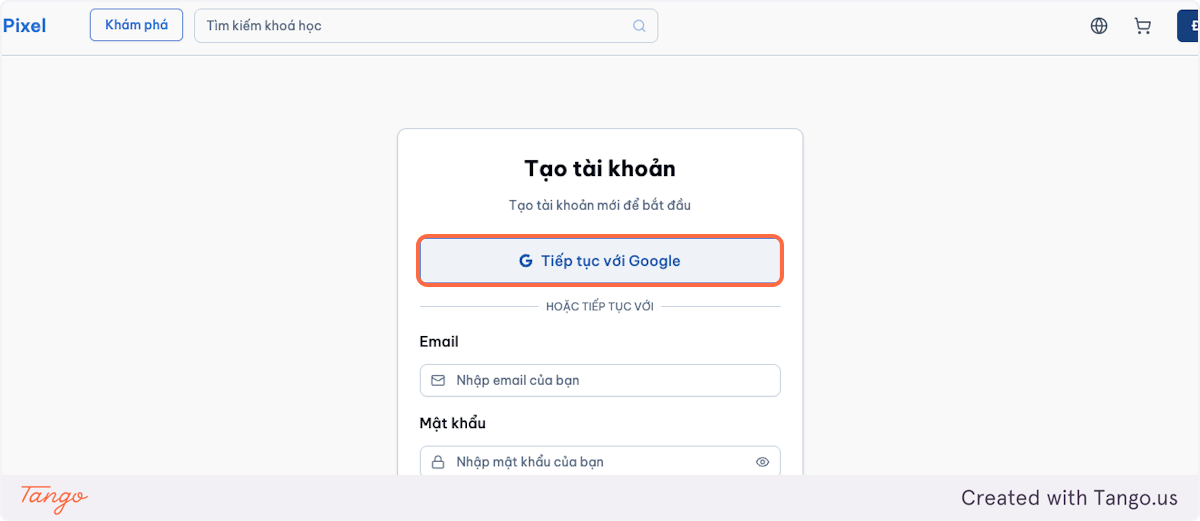
Register an account using:
- Google Sign on, or
- Email + password (if applicable).
Log In
-
Go to the LMS link provided by SkillPixel.
-
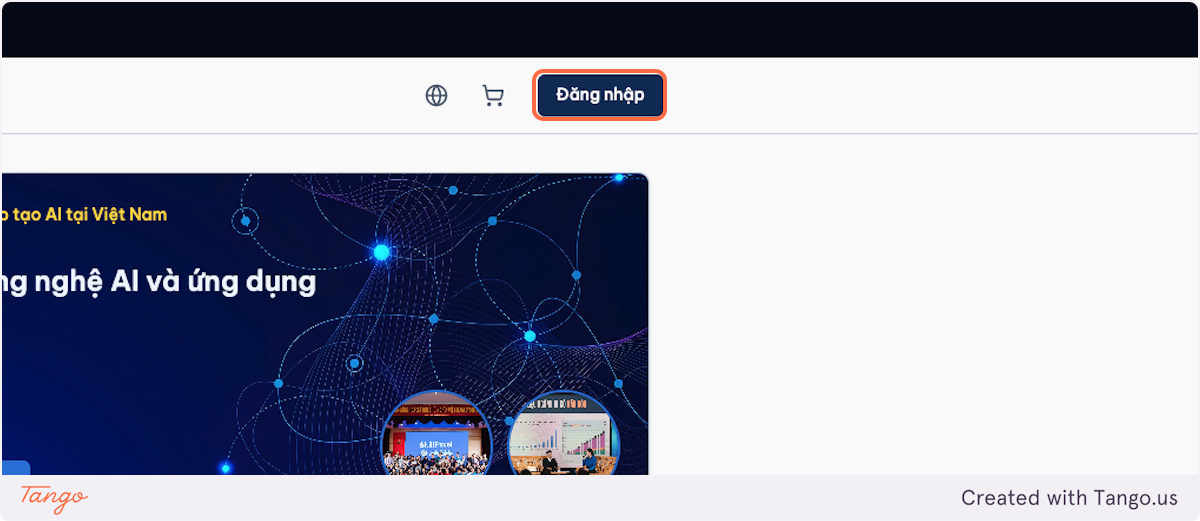
Select Sign in.
-
Log in using:
- Google Sign on, or
- Email + password (if applicable).
Tip
If you don’t receive an authentication email, check spam/junk folders and search for the LMS name.
Reset Your Password (If Applicable)
-
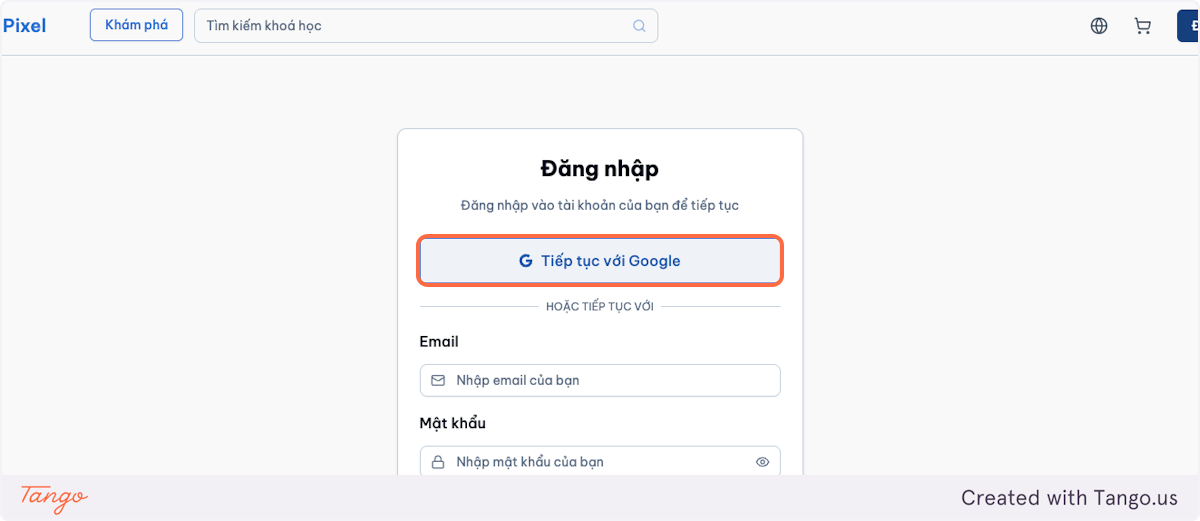
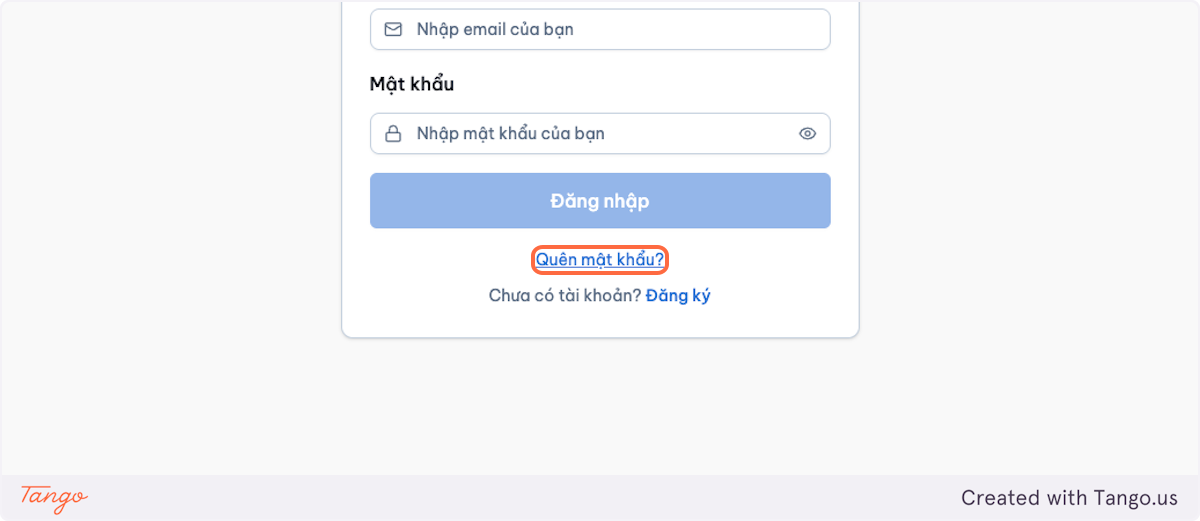
On the login screen, select Forgot password.
-
Enter your email address.
-
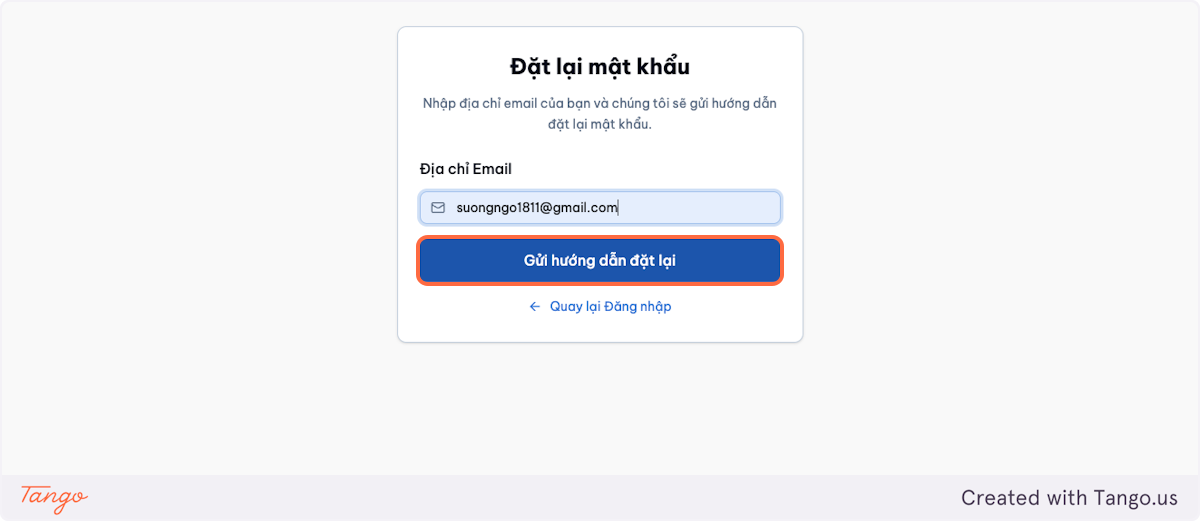
Follow the link sent to your email to set a new password.
Tip
If you don’t receive a reset password email, check spam/junk folders and search for the LMS name.
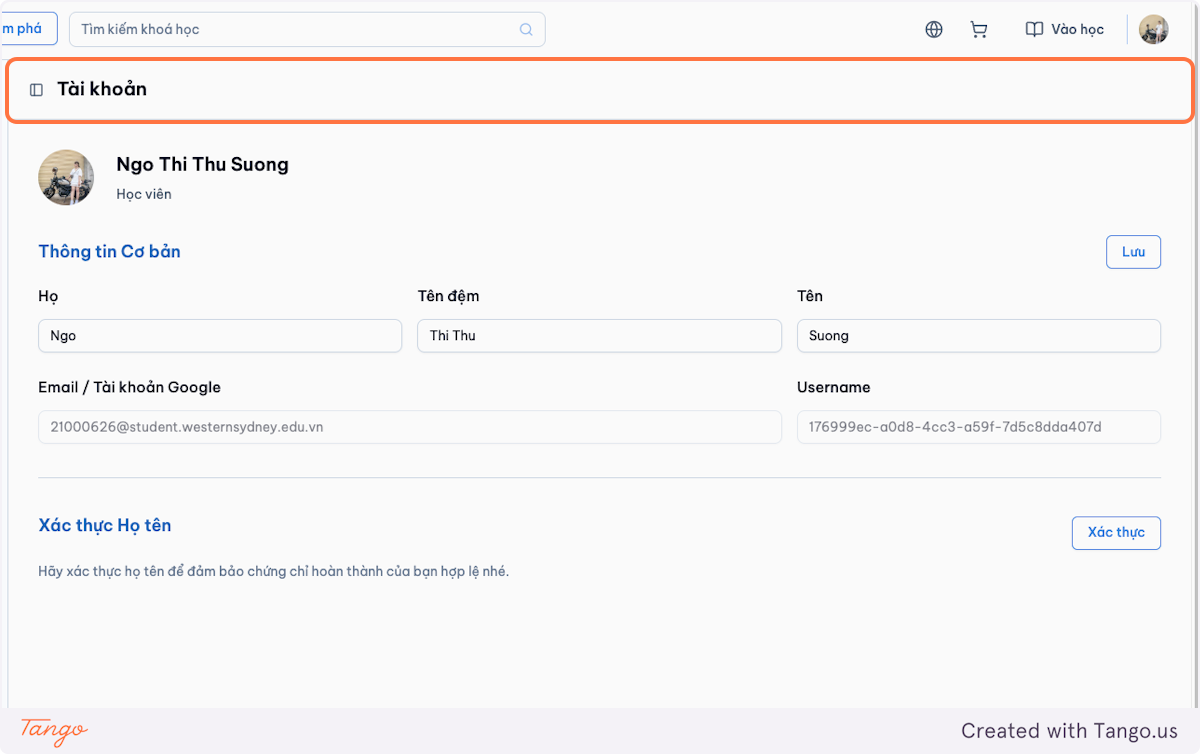
Update Your Profile
-
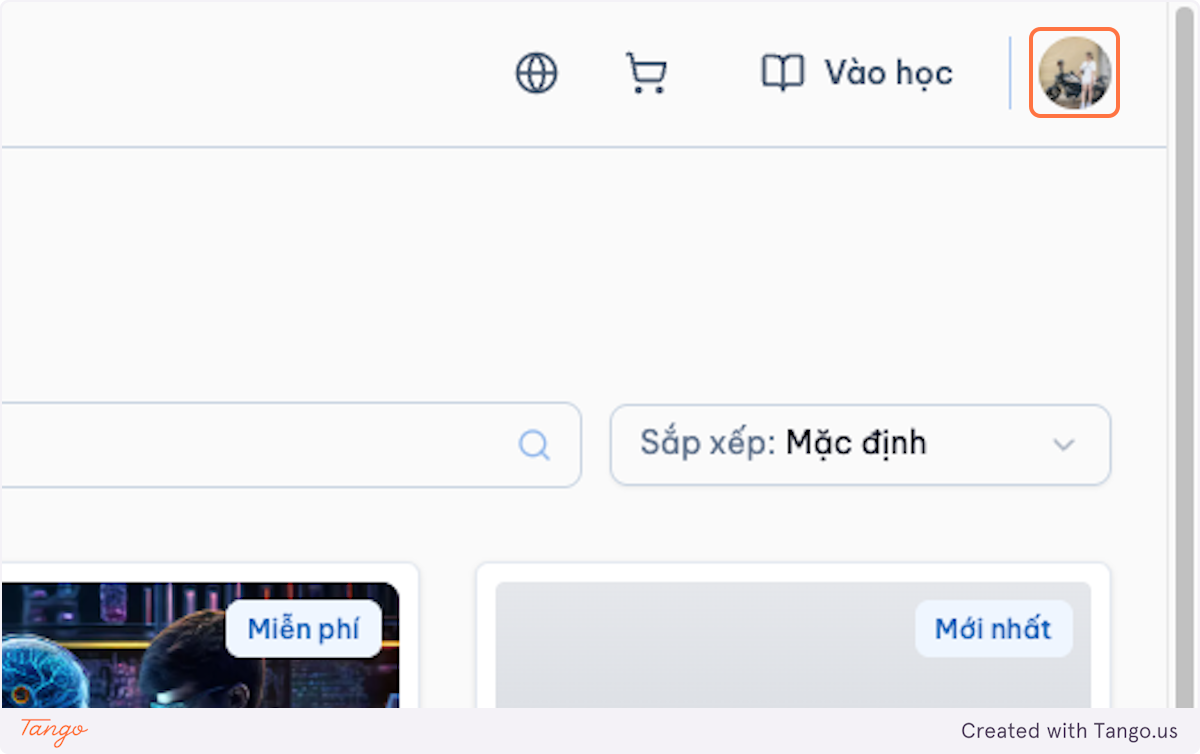
Select your profile icon.
-
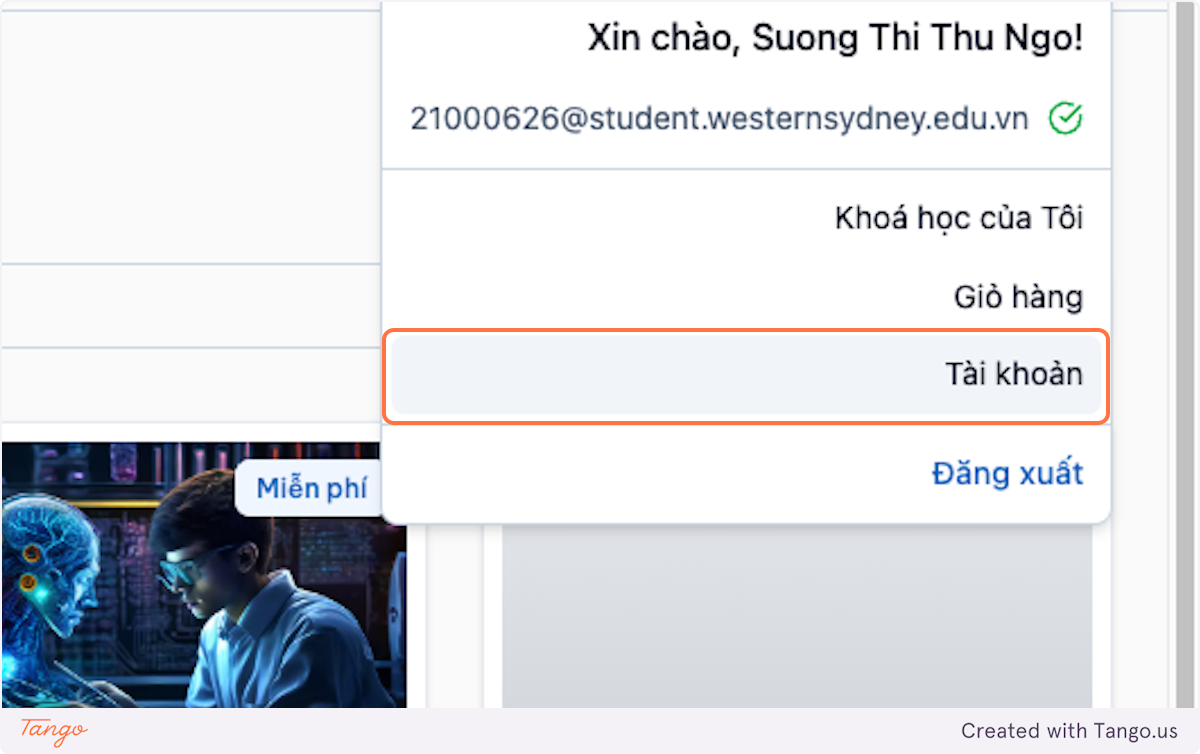
Open Account.
-
Update your basic information, including your name / display name.
Navigate the LMS
Access the LMS dashboard and click Explore to browse the available courses in the catalog.