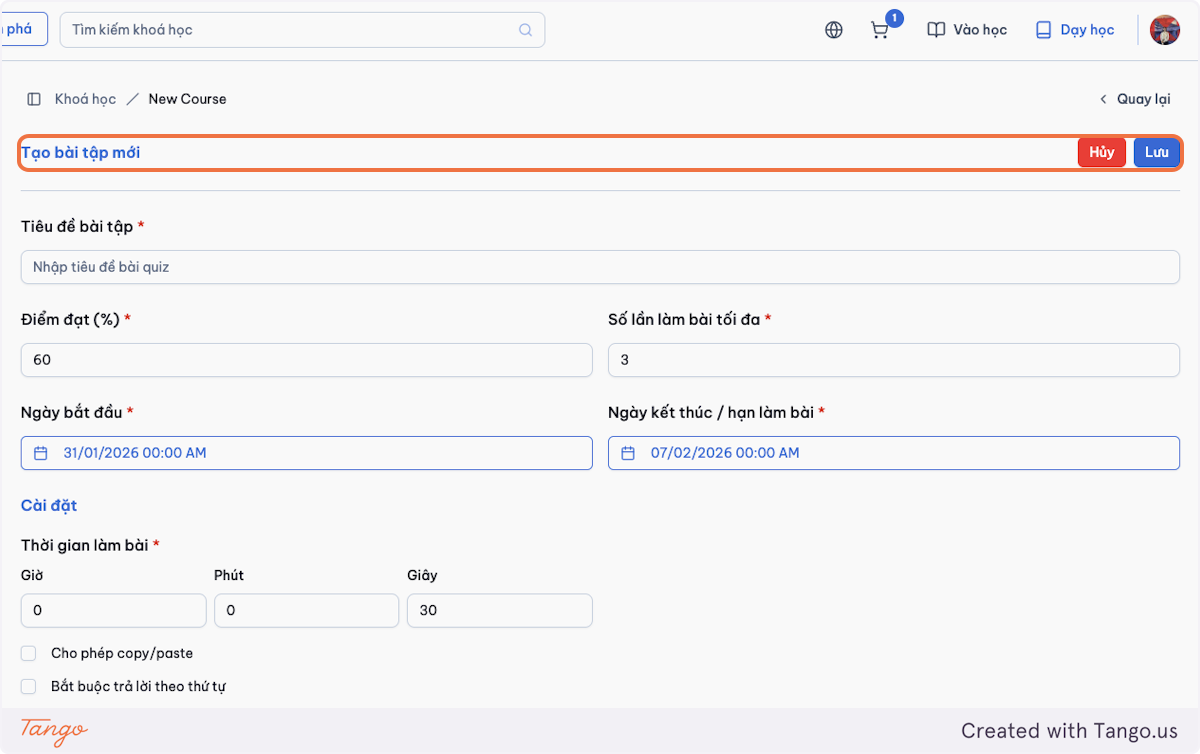
Admin: User Management
1.1 Assign or Change Roles
Important Notes
Do not assign all instructors to be admin. Apply the least privilege principle — prefer fewer admins and instructors, as they can make changes that impact the system.
-
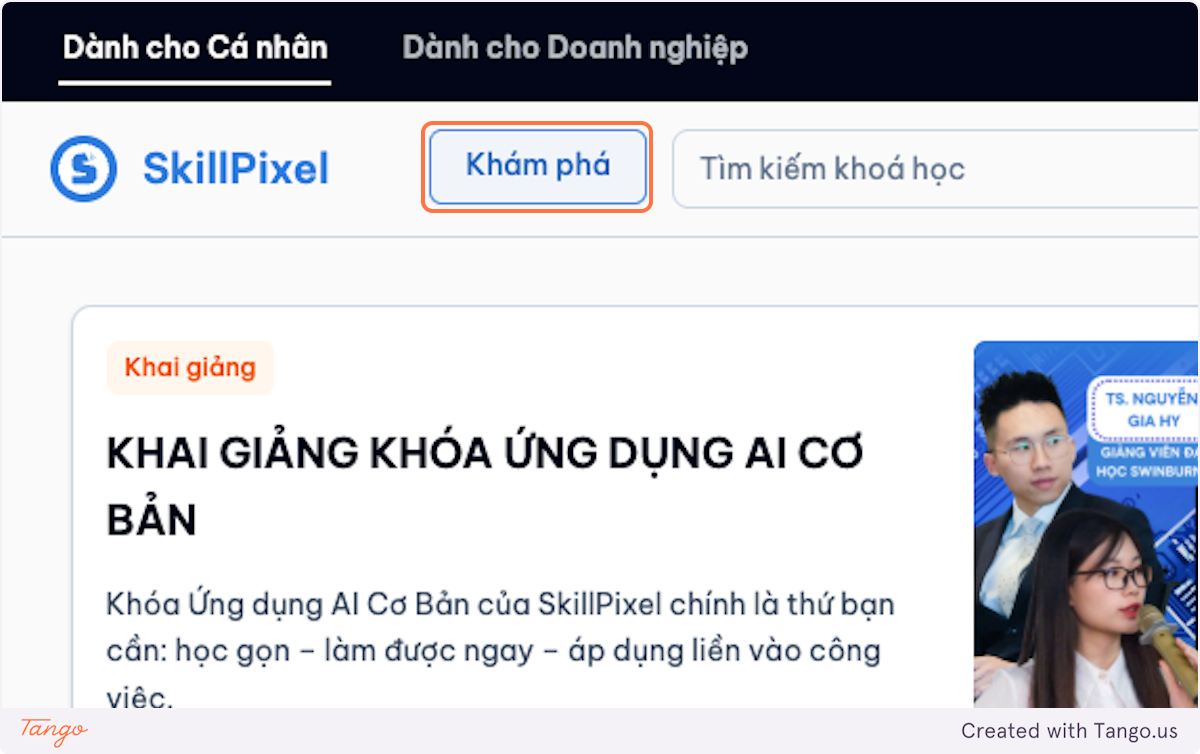
Click on the Avatar icon.
-
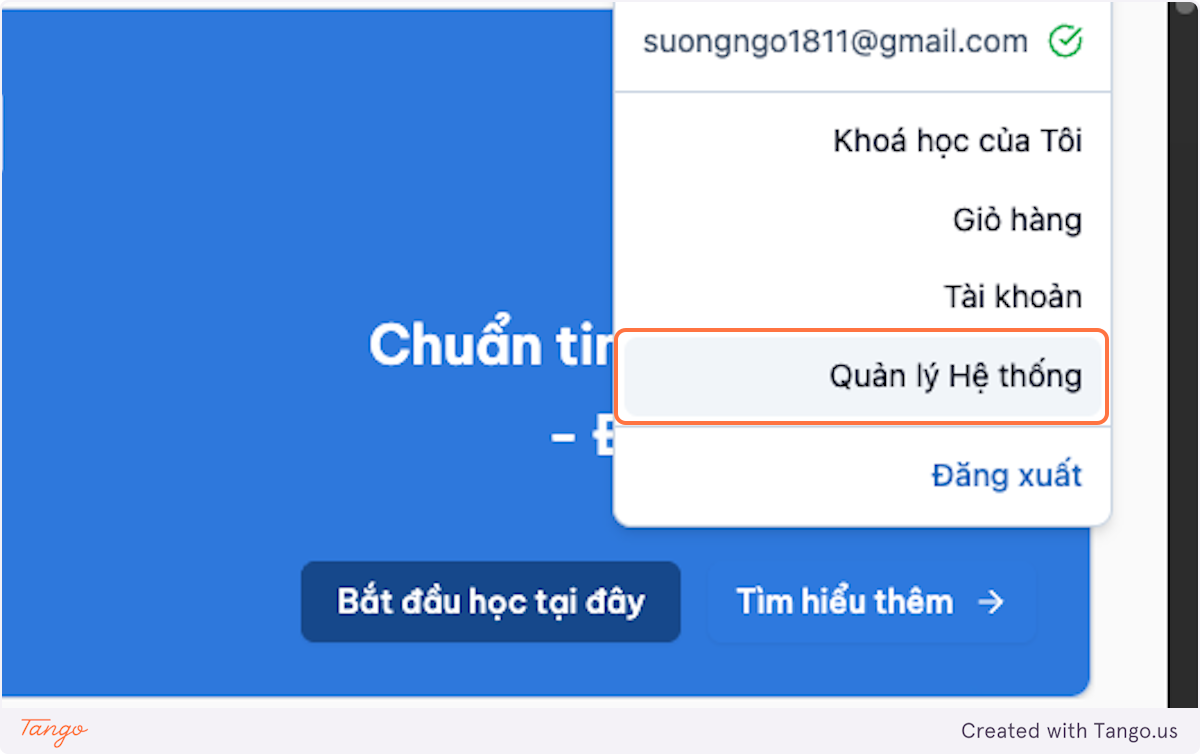
Go to System Management.

-
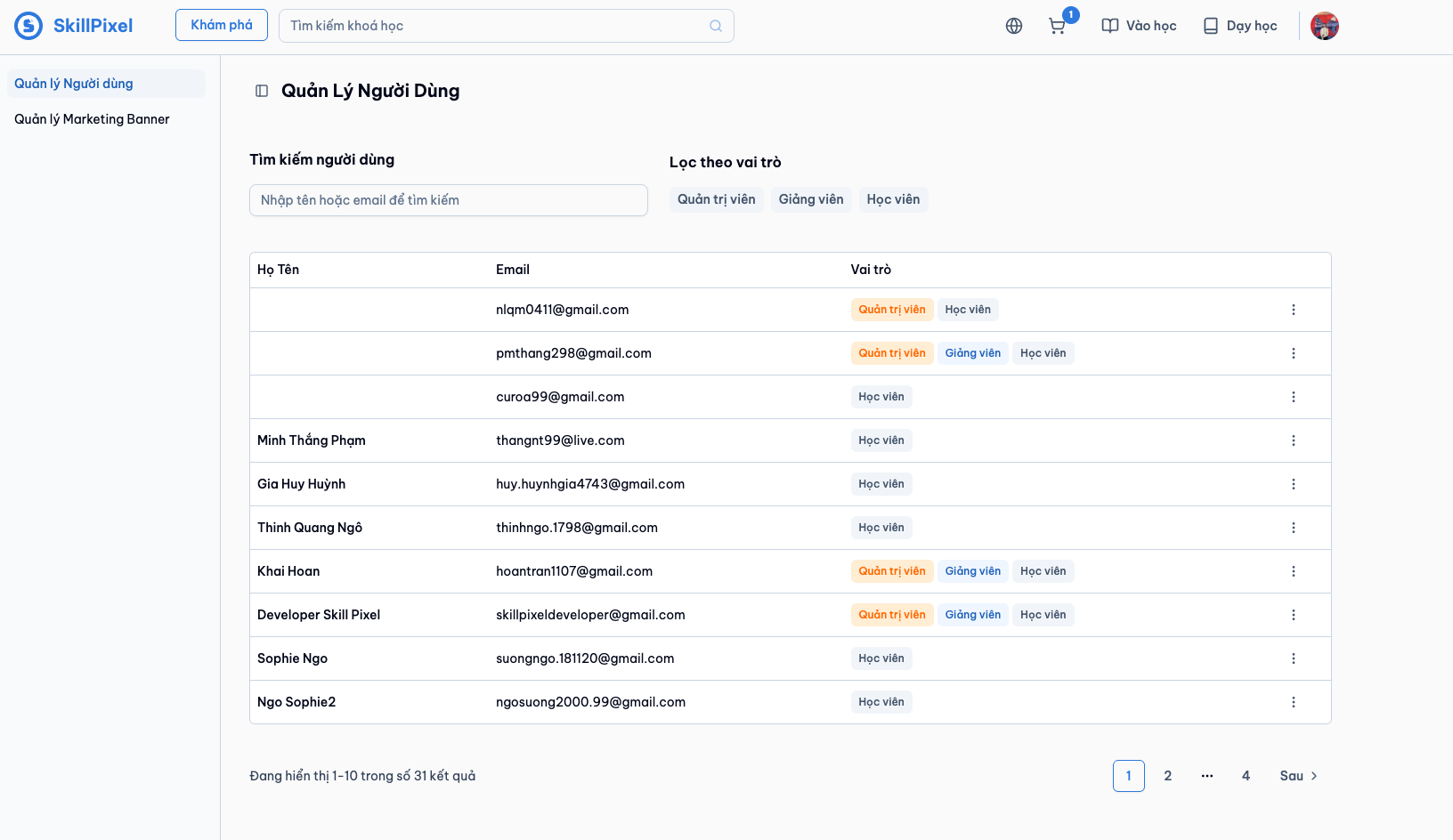
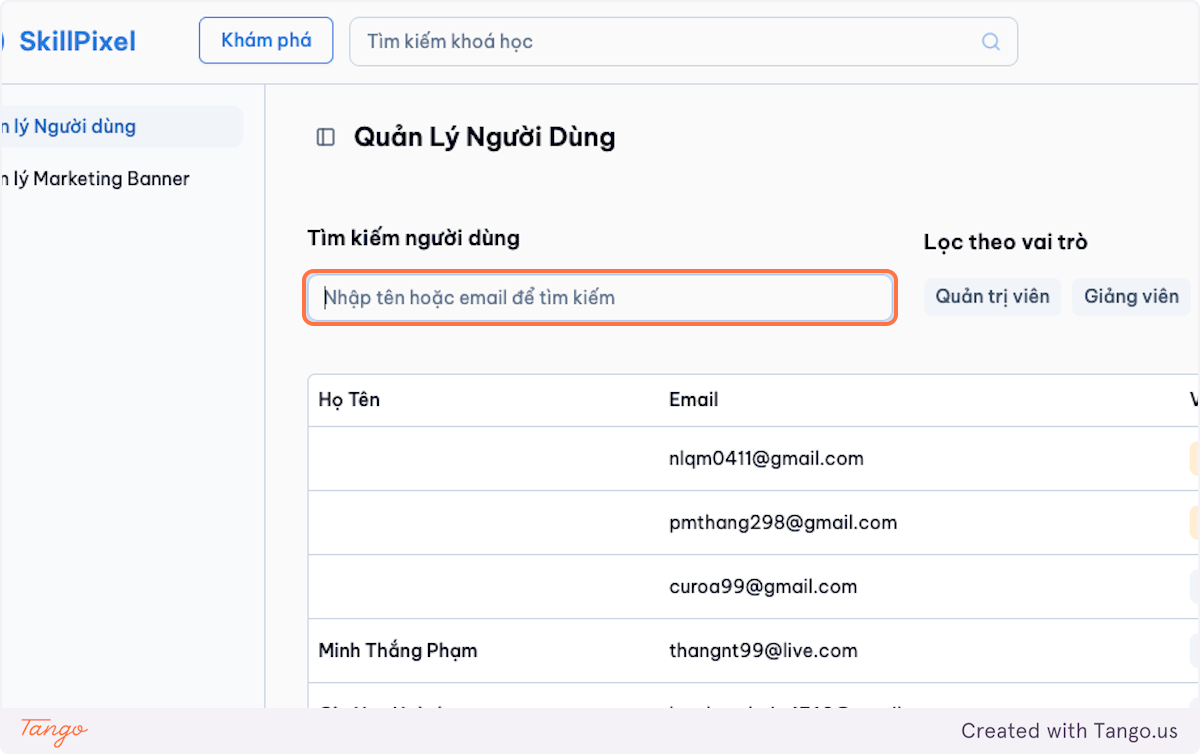
Find the user by name or email.
-
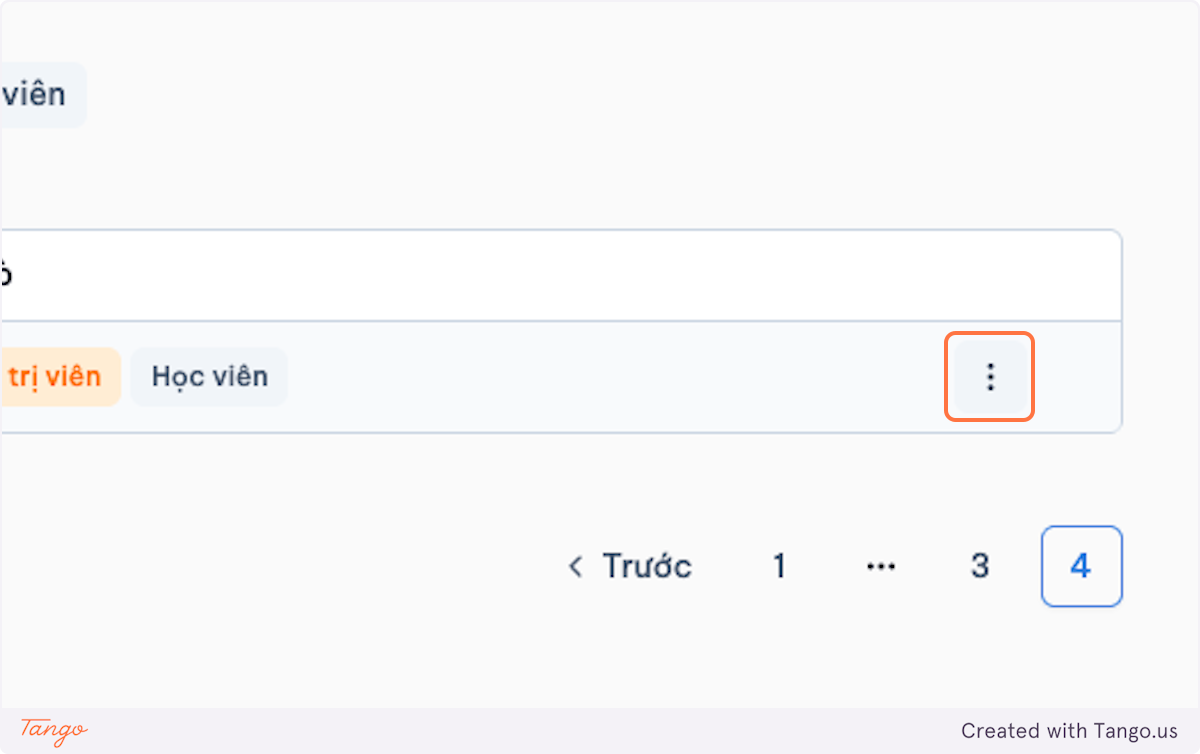
Click on the dropdown trigger.
-
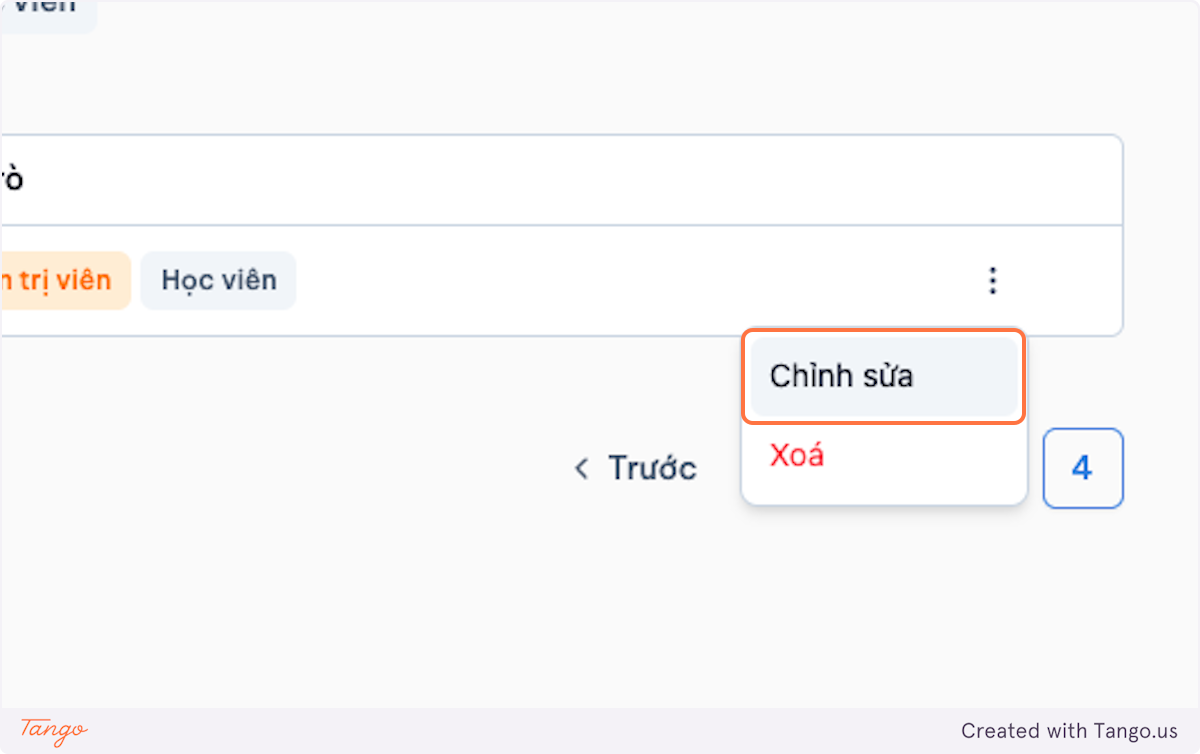
Choose Edit.
-
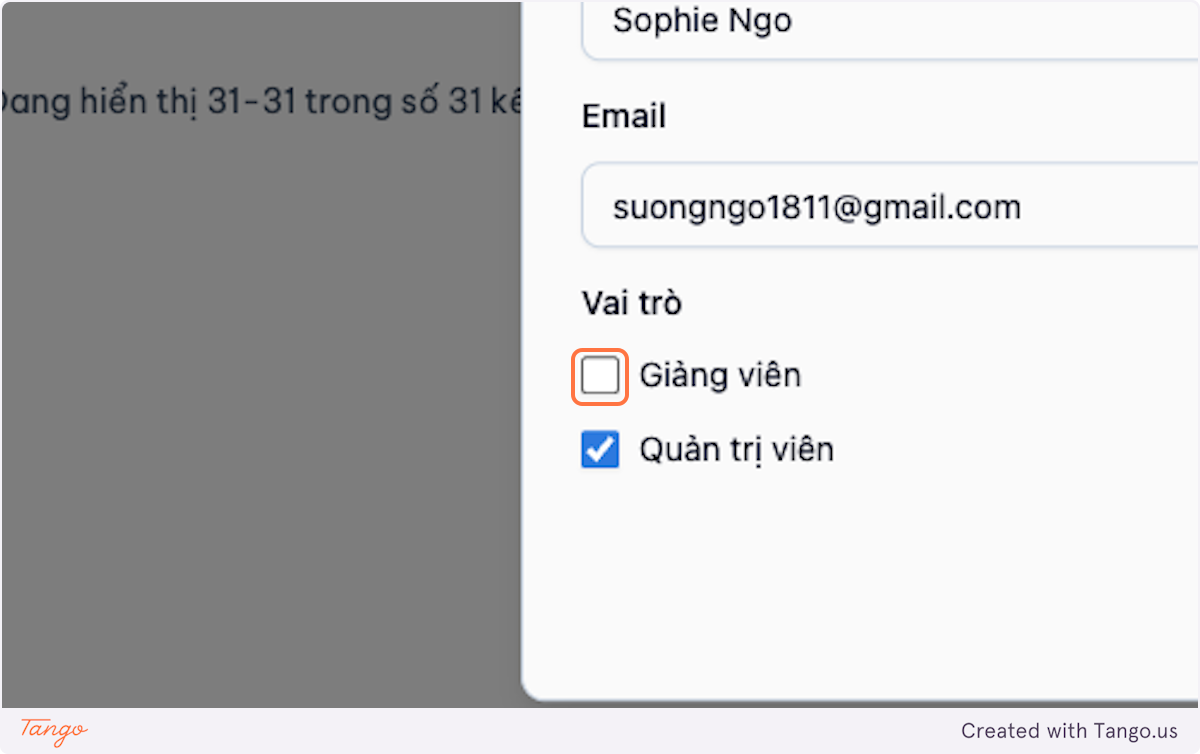
Update the role.
-
Save changes.
1.9 Additional User Management
1.9.1) Search and Filter Users
-
Access System Management.
-
Open User Management.
-
Use the dashboard view and search by name or email.
-
Apply role filters.