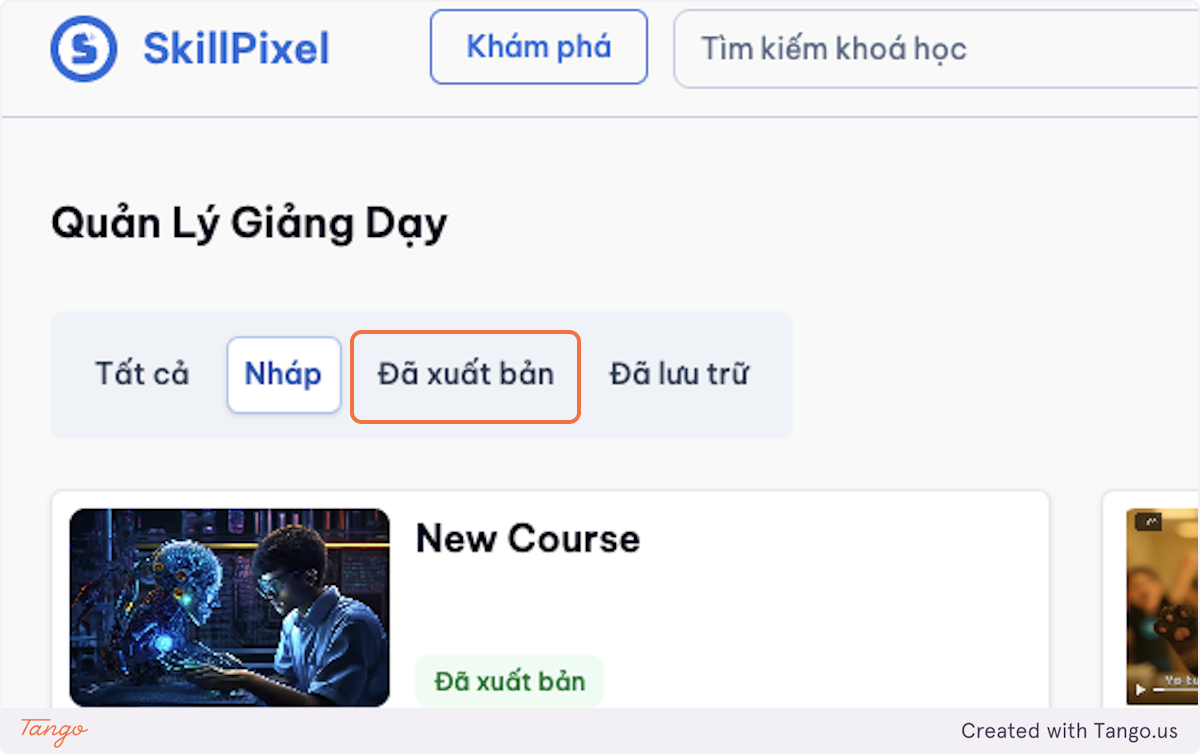
Create a Course
Note
For admins, please update the instructor role to use this feature.
2.1 Create a Course (Basic Workflow)
-
Go to Teaching.

-
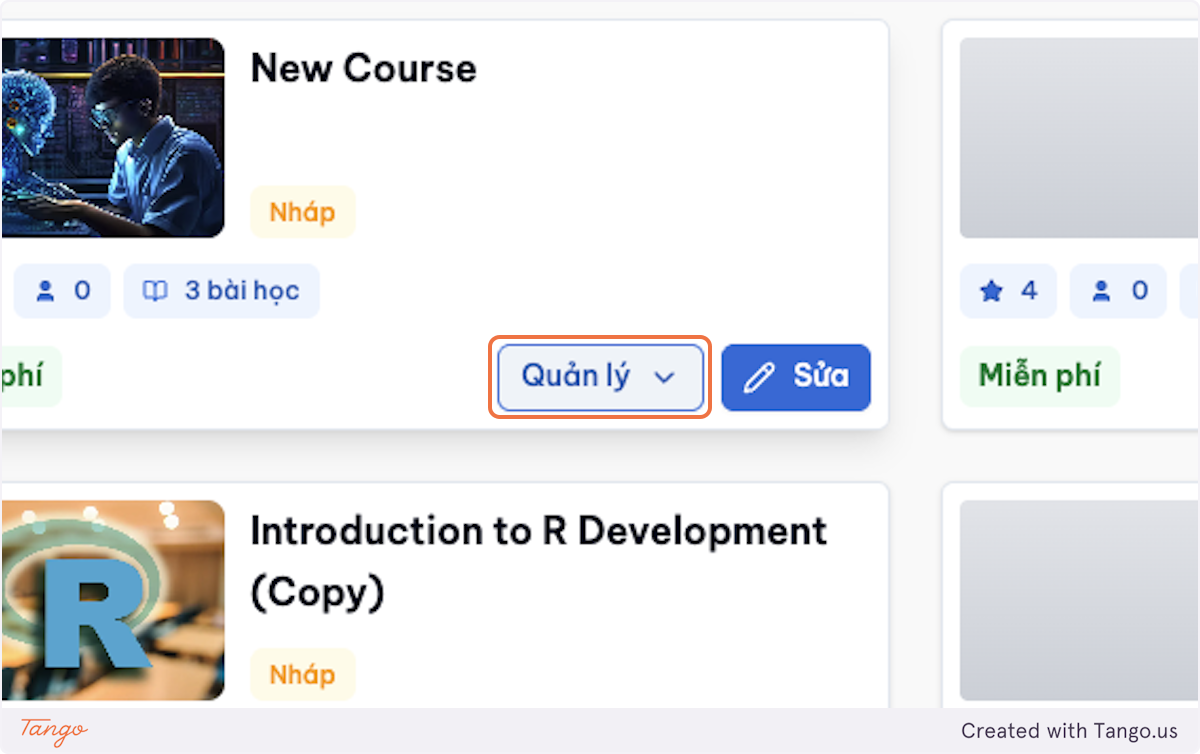
Select Create new.
-
Enter:
- Course name
- Course cover image
- Level, lesson type, duration, and price (an empty field means free)
- Description (short and clear)
-
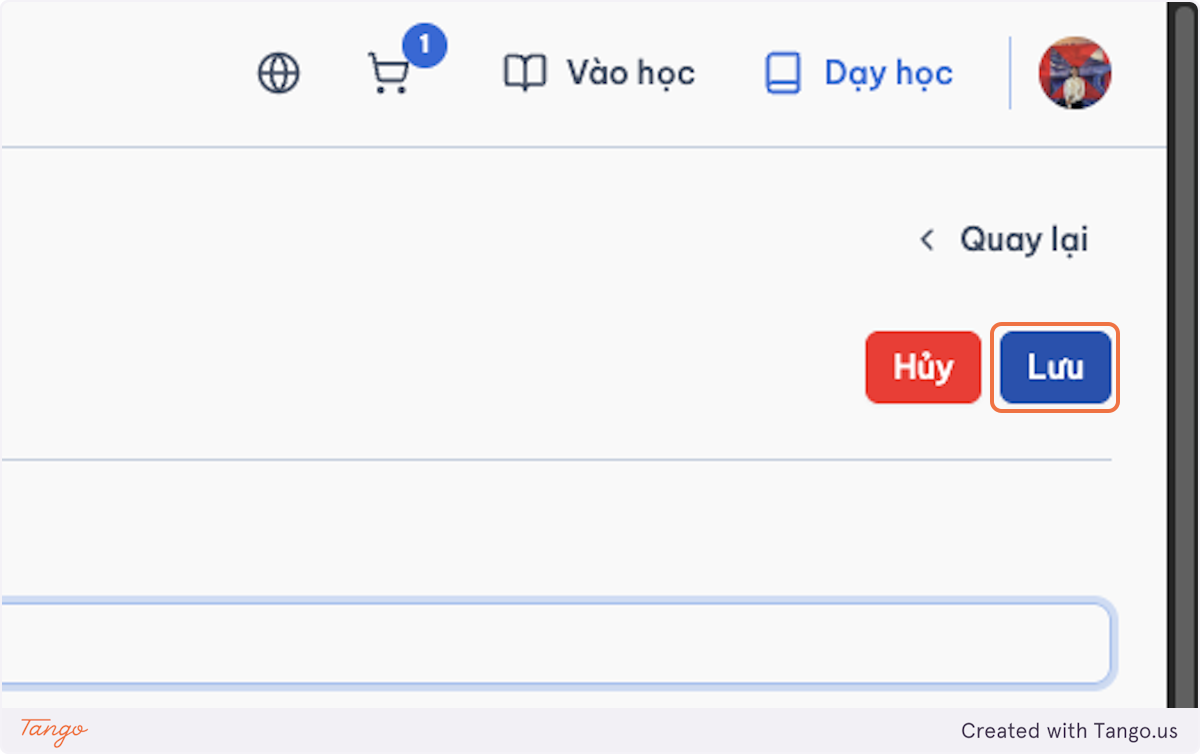
Select Save.