Student: Find and Enrol in a Course
3.1 Find Training in the Catalog
- Log in and explore the courses.
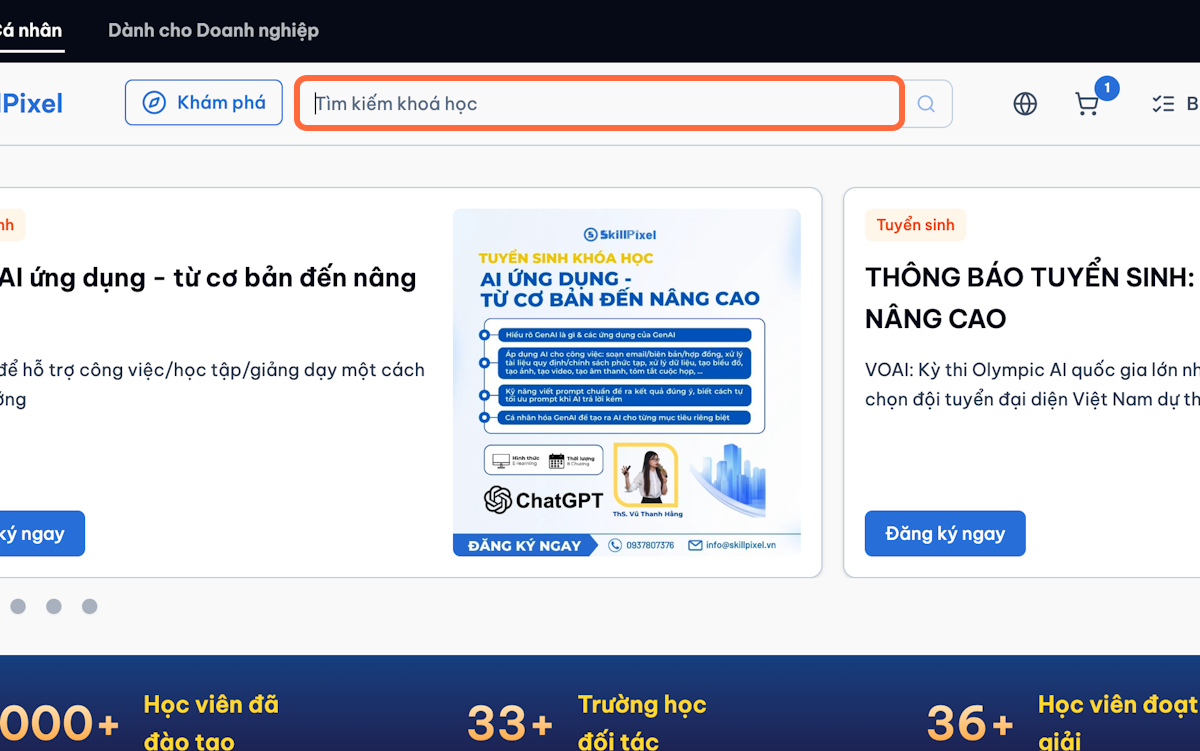
- Go to Explore.
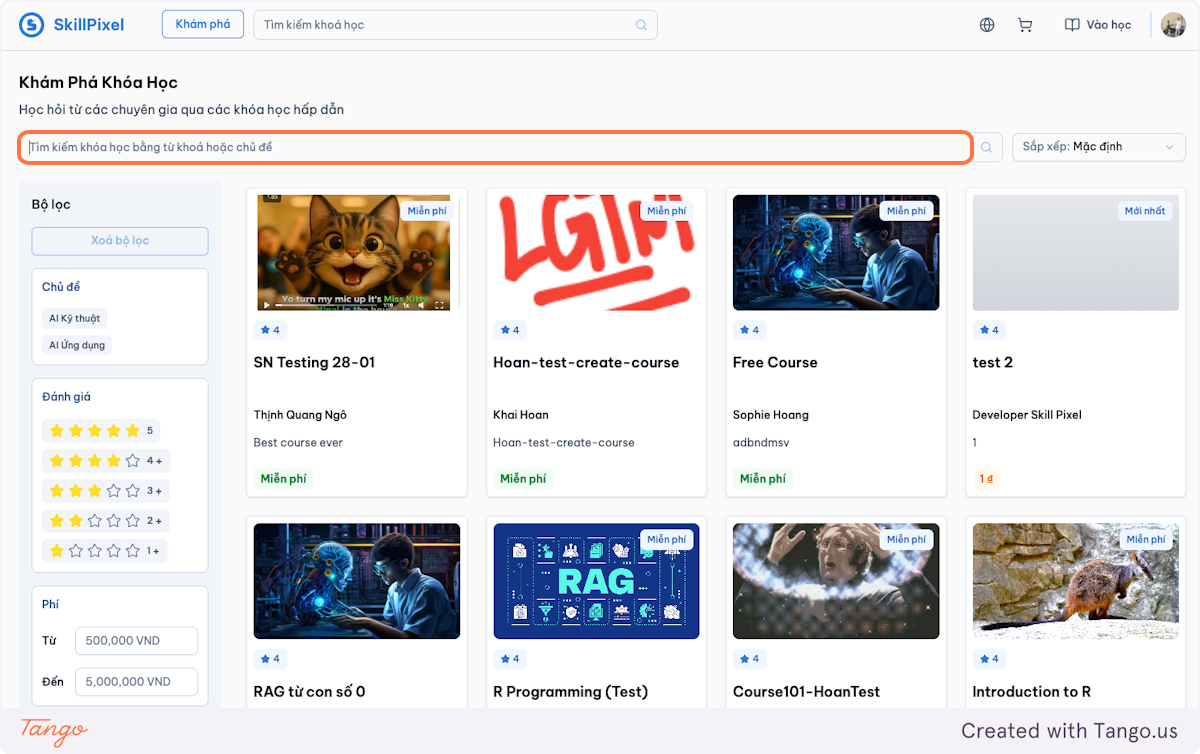
- Search by course name or keyword.
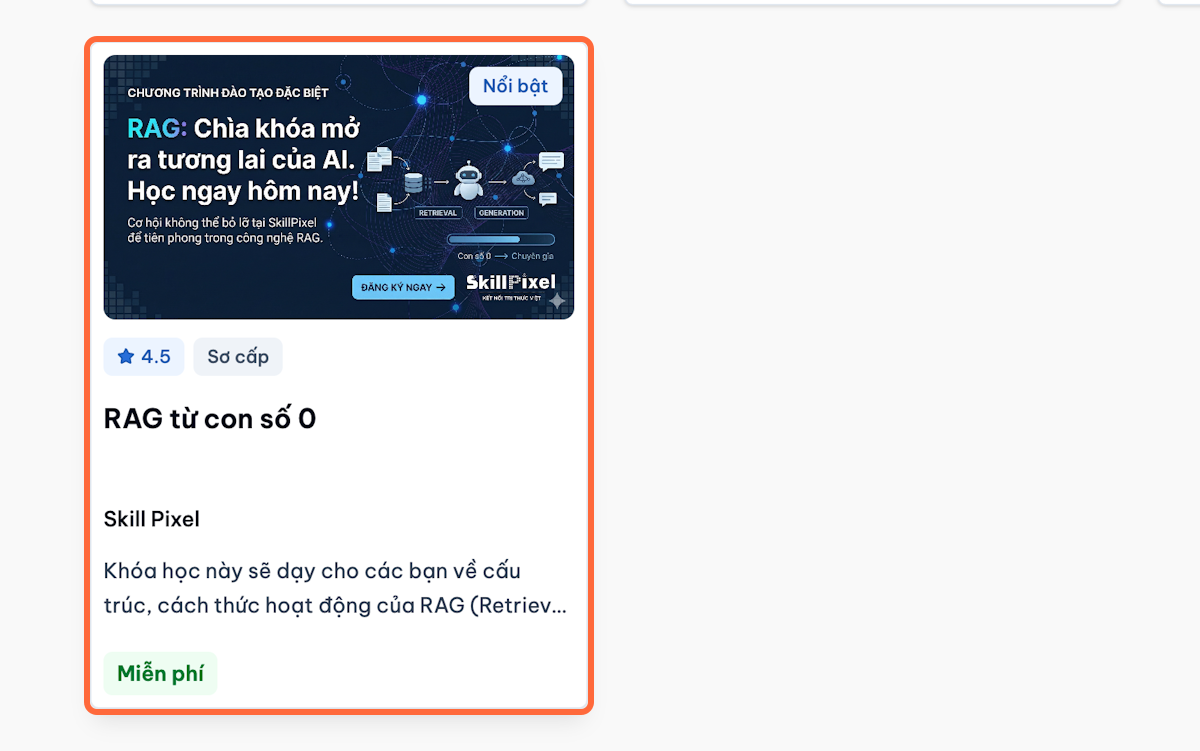
- Open the course tile to view details.
3.2 Enrol in a Course
The enrolment process depends on whether the course is free, paid, or available as a free trial.
3.2.1) Enrol in a Free Course
-
Open the course page.
-
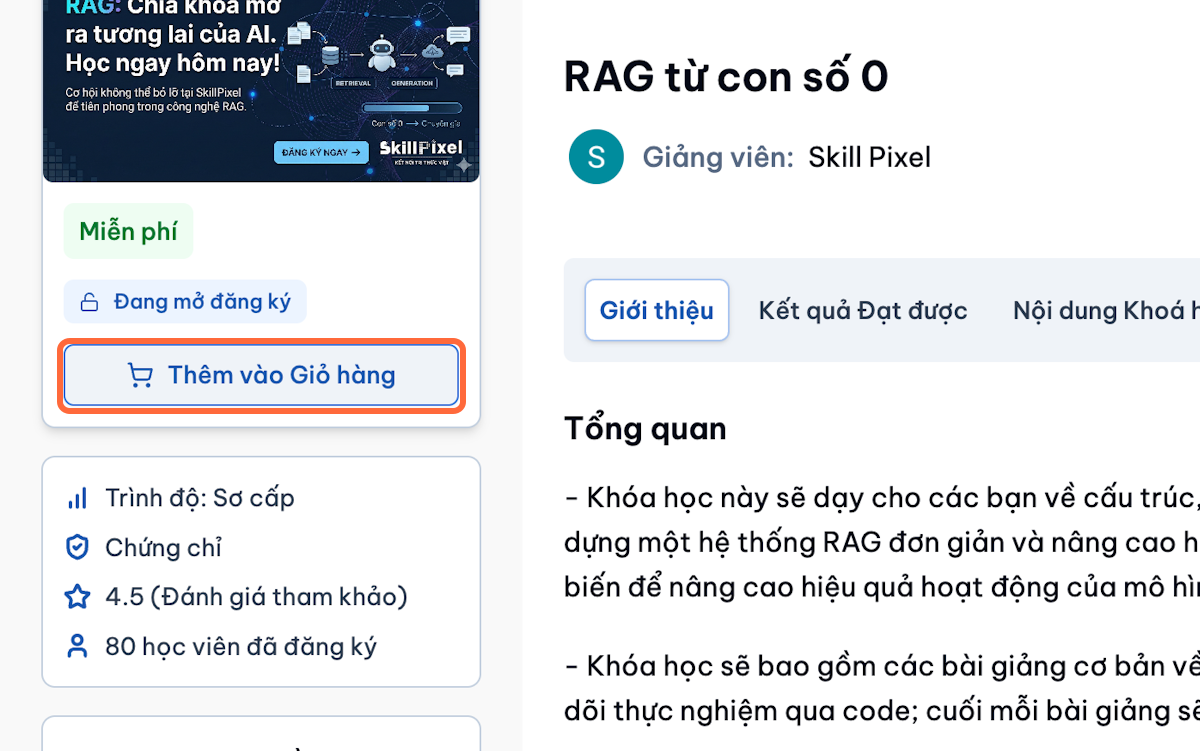
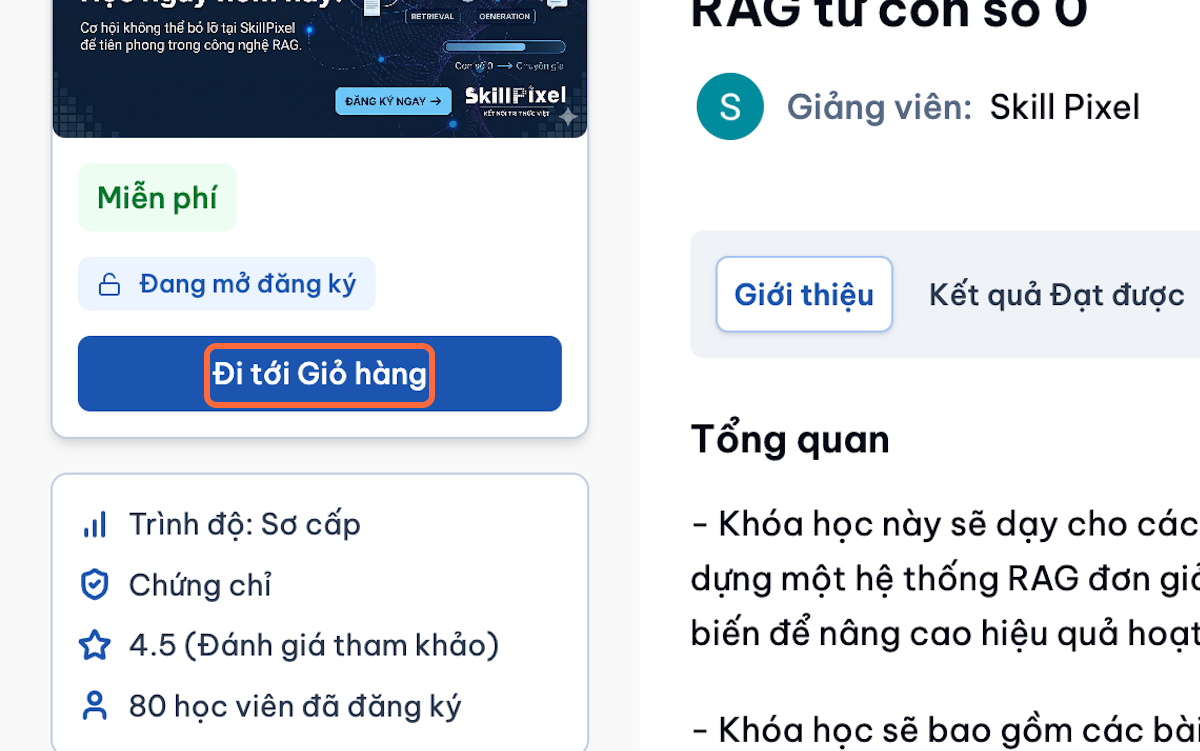
Confirm that the price is free.
-
Select Add to Cart, then select Go to Cart.
-
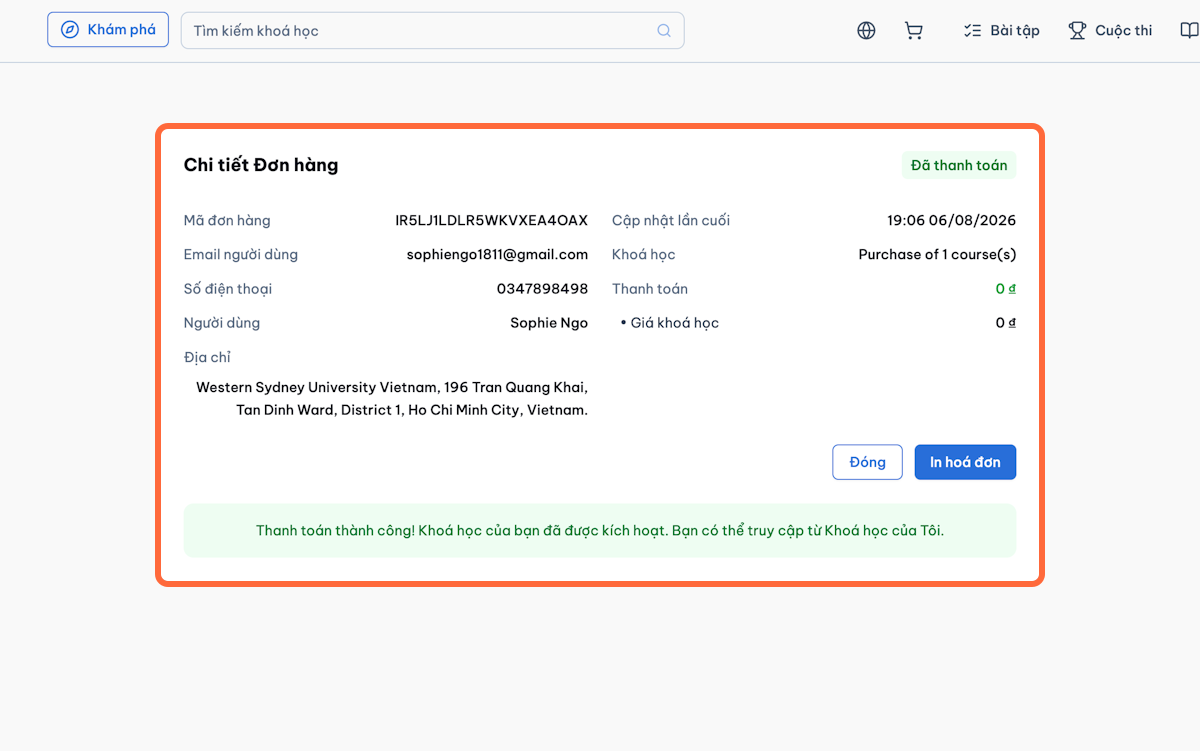
Wait for the enrolment confirmation.
-
Open My Learning.
-
Select the course to begin.
3.2.2) Enrol in a Paid Course
-
Open the course page.
-
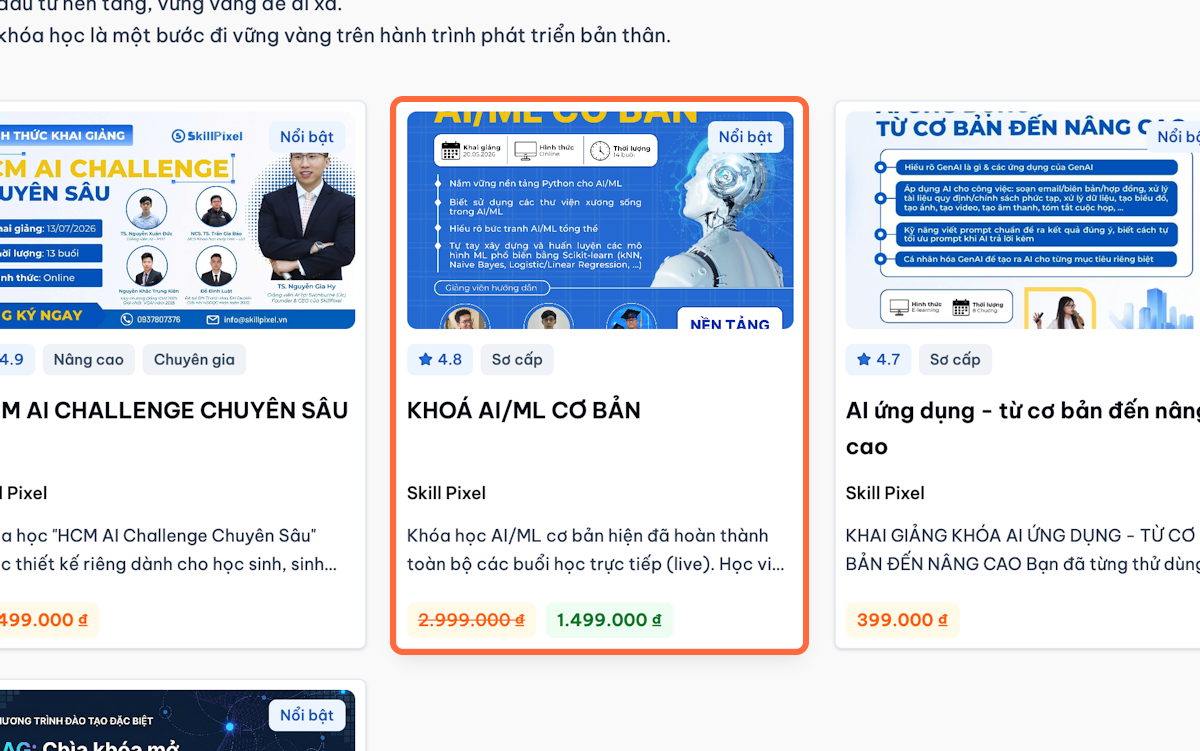
Review:
- Course price
- Course description
- Instructor information
- Included lessons
-
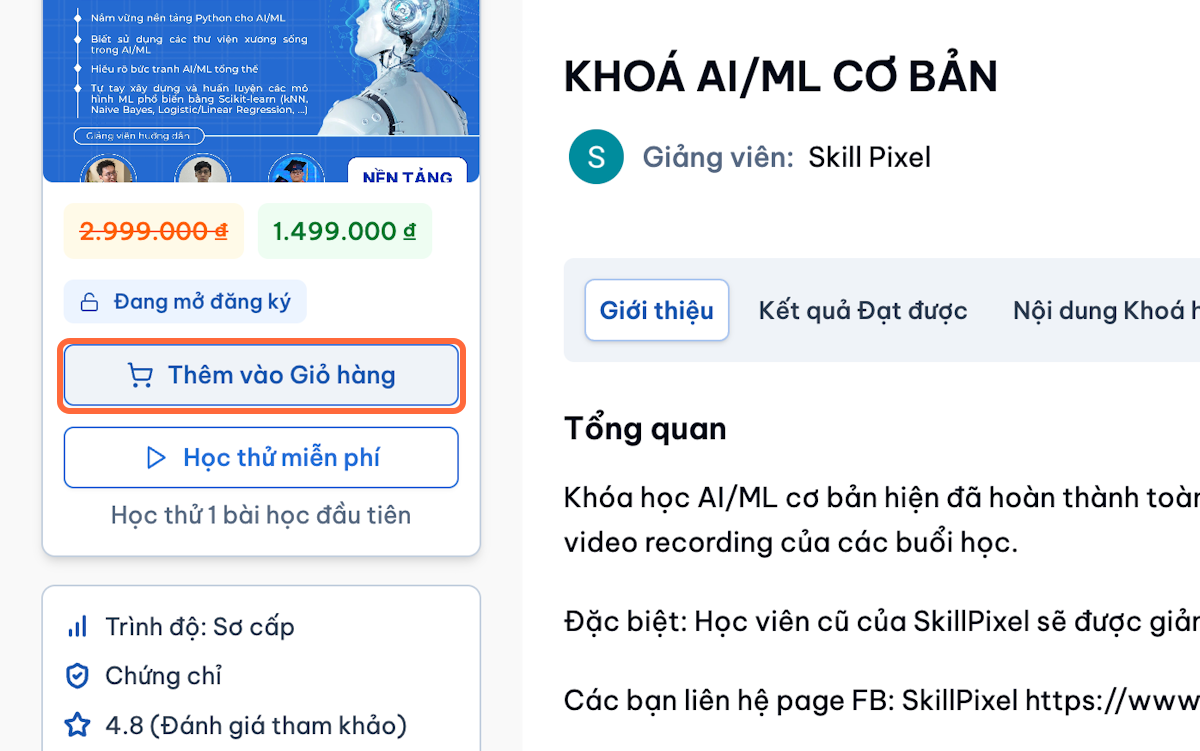
Select Add to Cart.
-
Open the shopping cart.
-
Confirm the selected course and price.
-
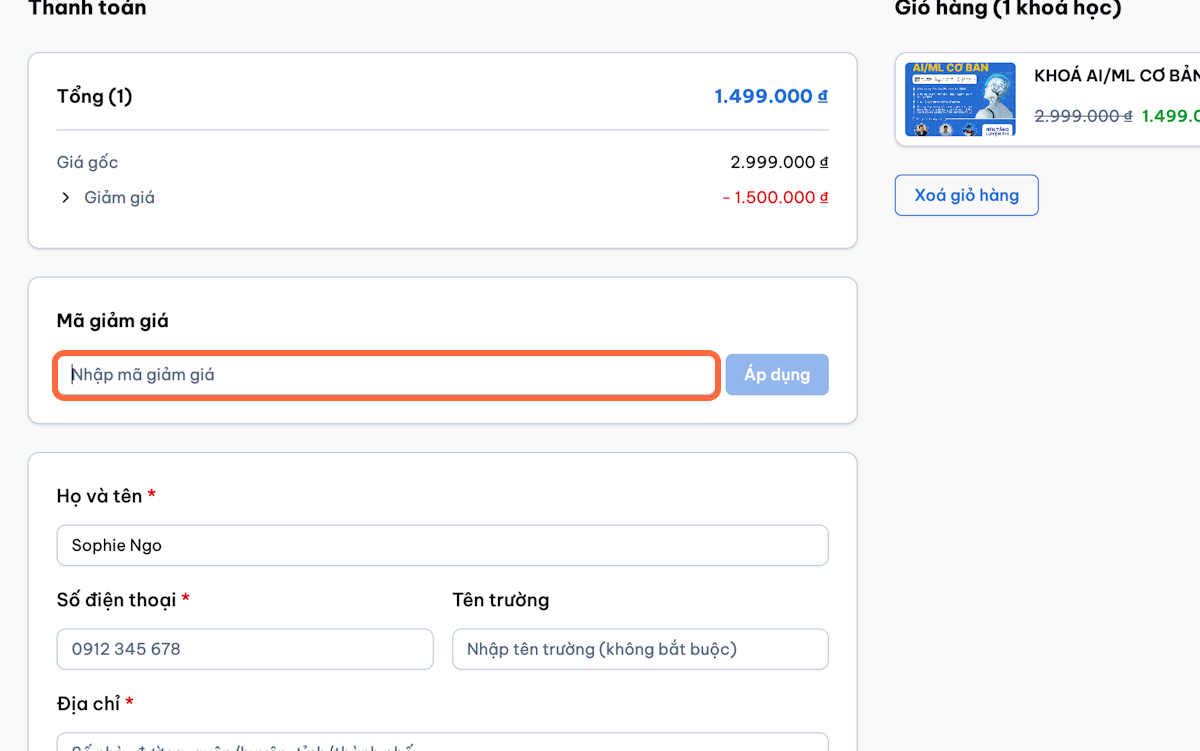
Enter a voucher code, if available.
-
Select Apply.
-
Confirm the updated total.
-
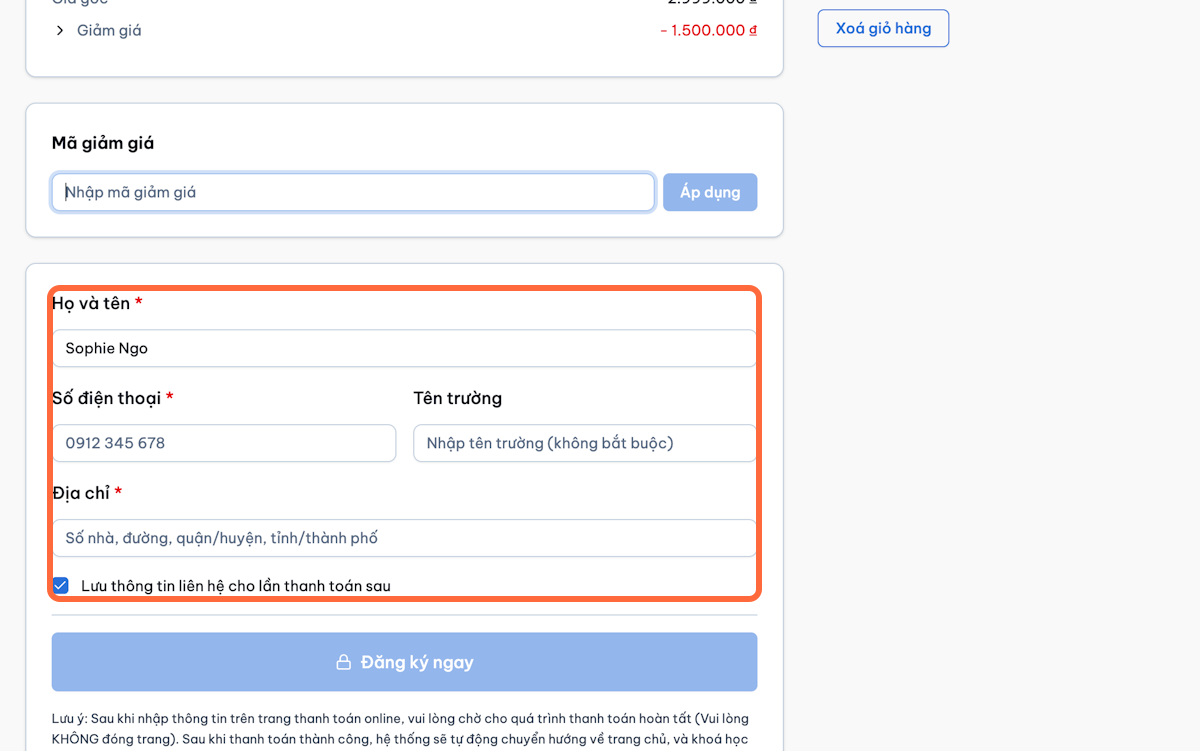
Enter the required billing information.
-
Select Enrol now.
-
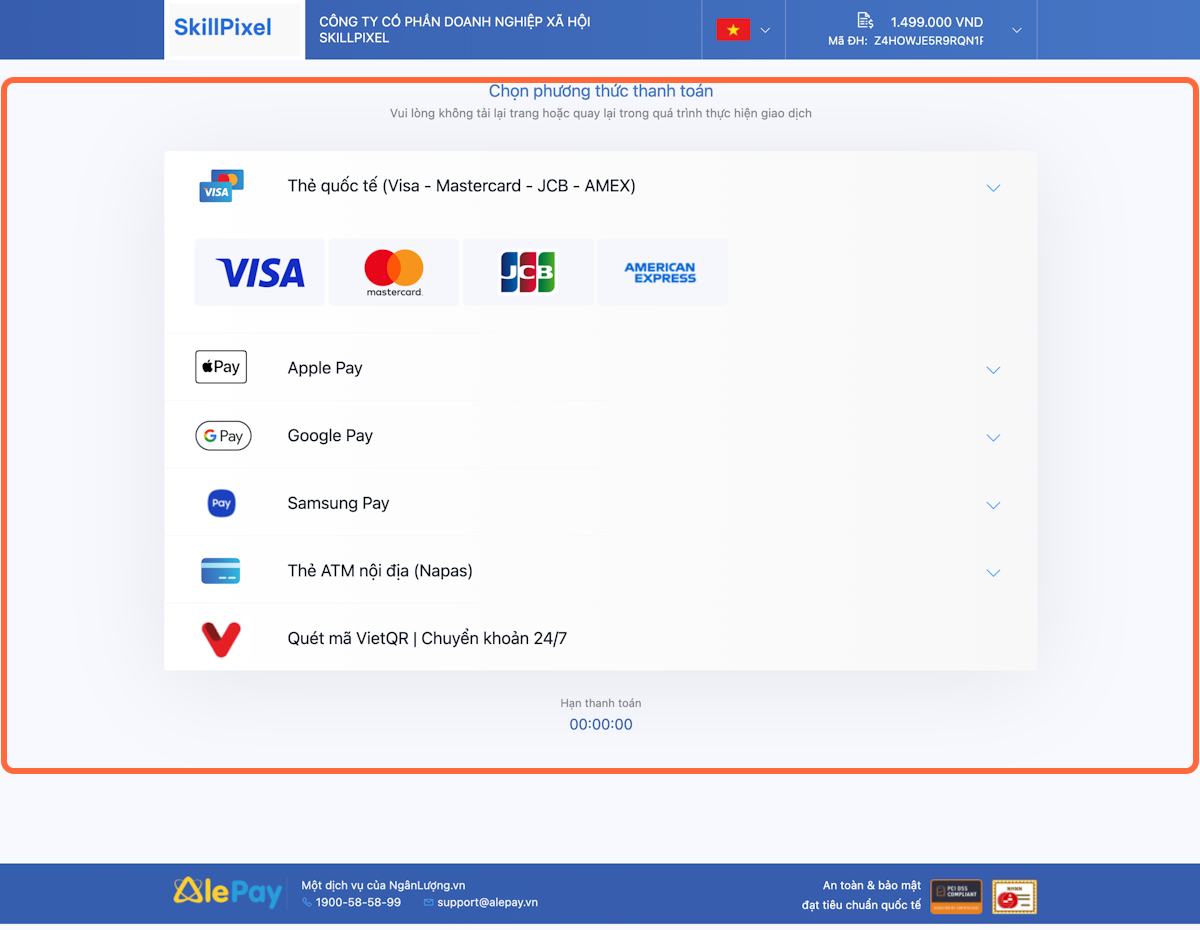
Continue to AlePay.
-
Enter the card information.
-
Confirm the payment.
Successful Payment
- Wait for the payment confirmation.
- Return to the LMS.
- Confirm that the transaction status is successful.
- Open My Learning.
- Select the course to begin.
Failed or Cancelled Payment
- Review the error message.
- Confirm that the card information is correct.
- Retry payment or use another supported card.
- Do not make repeated payments when a transaction is still pending.
- Contact support when payment was deducted but the course does not appear.
When contacting support, provide:
- Name and account email.
- Course name.
- Transaction ID.
- AlePay reference, if available.
- Payment time.
- Screenshot of the result.
3.2.3) Start a Free Trial
-
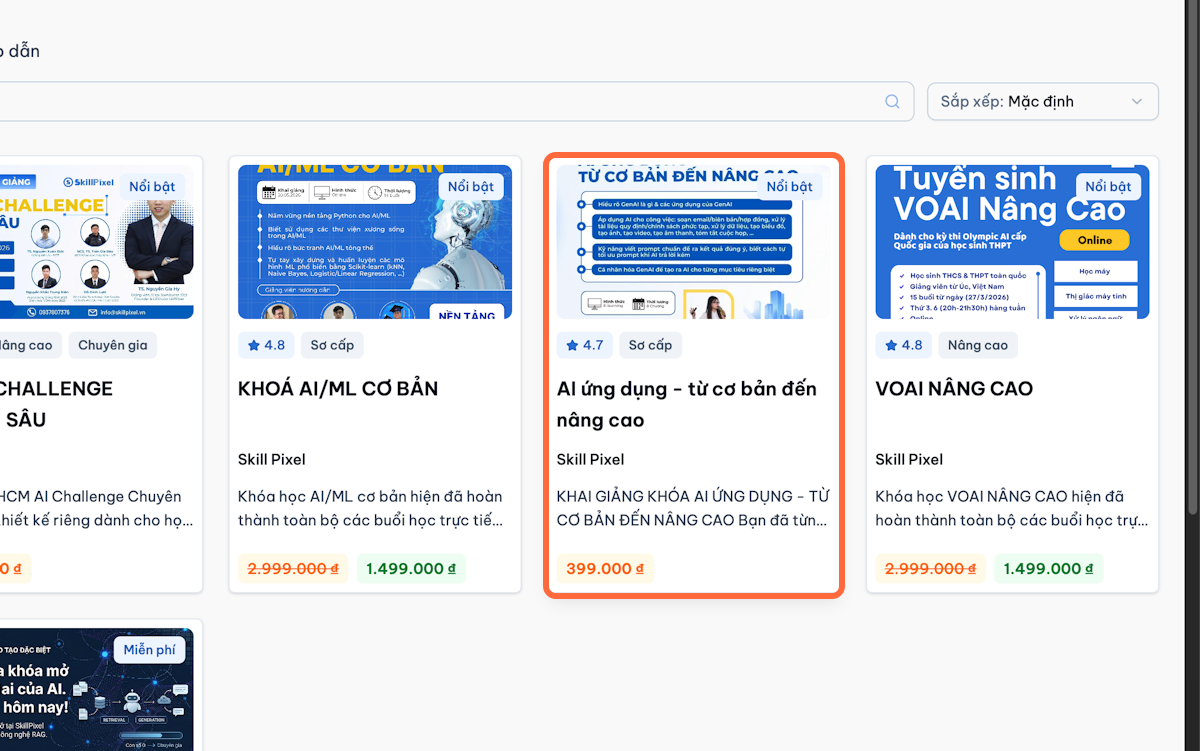
Open the course page.
-
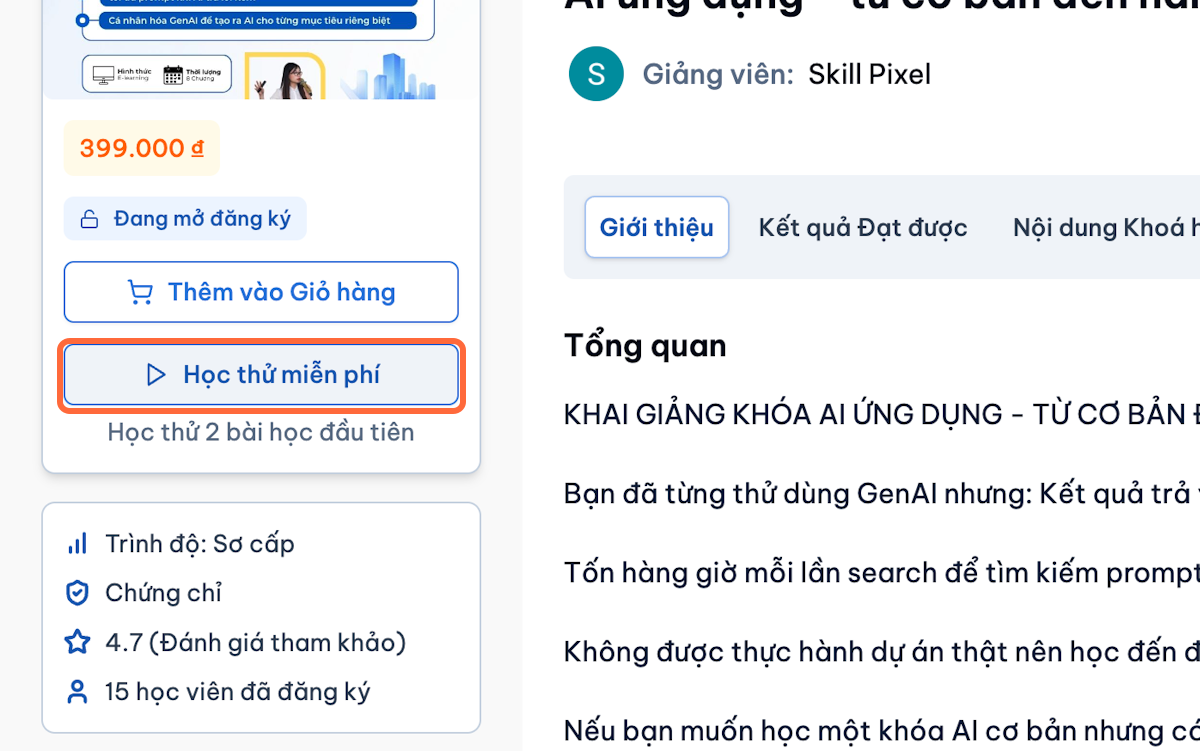
Select Start Free Trial.
-
The LMS checks whether the learner is eligible.
-
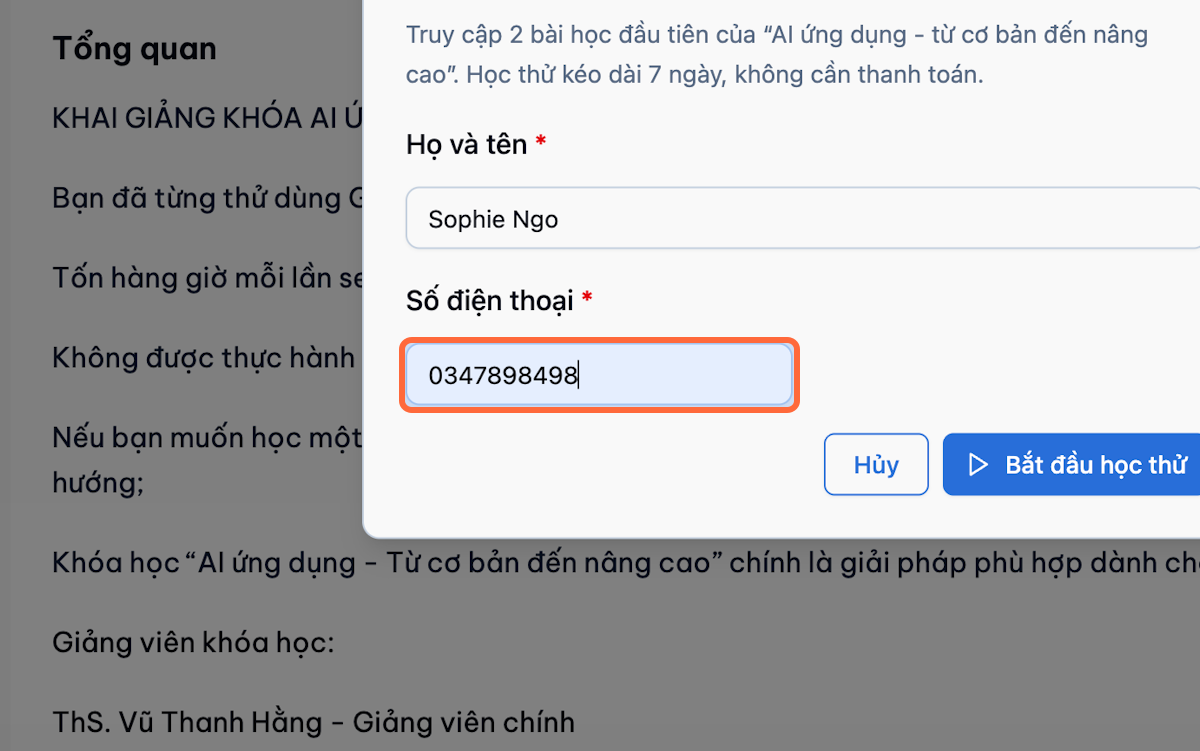
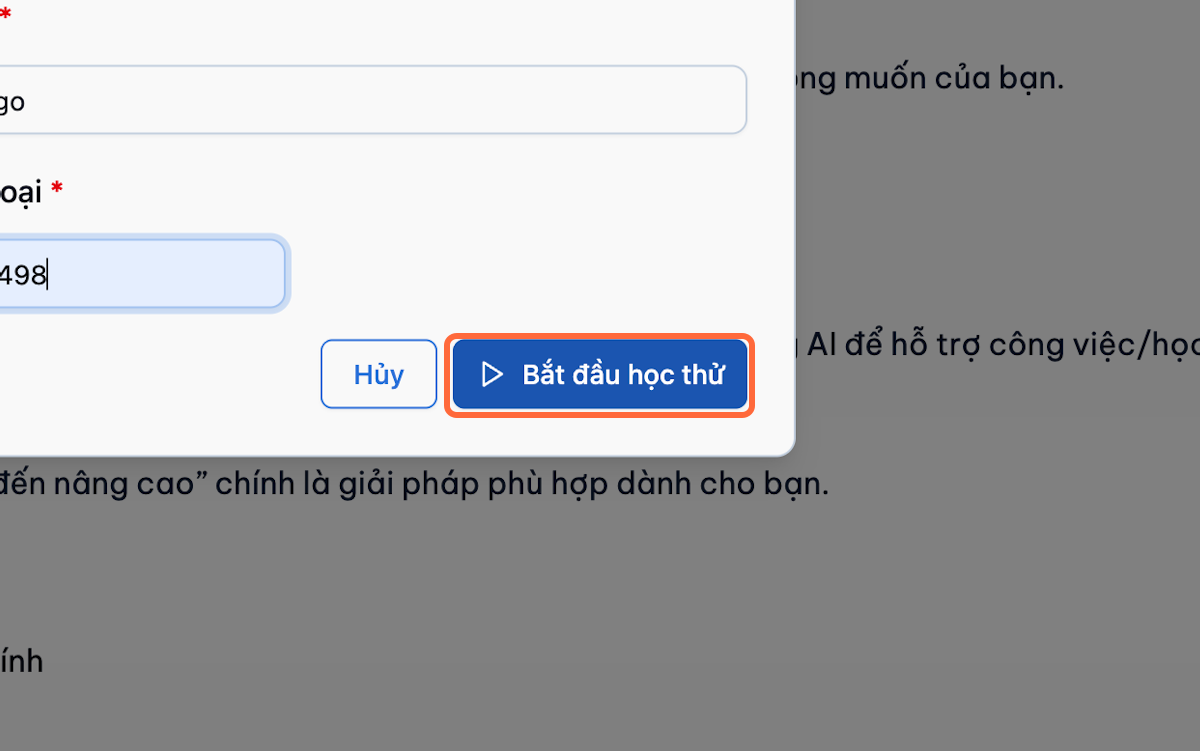
Confirm the trial enrolment.
-
Complete the lessons available during the trial.
Upgrade from Trial to Full Enrolment
-
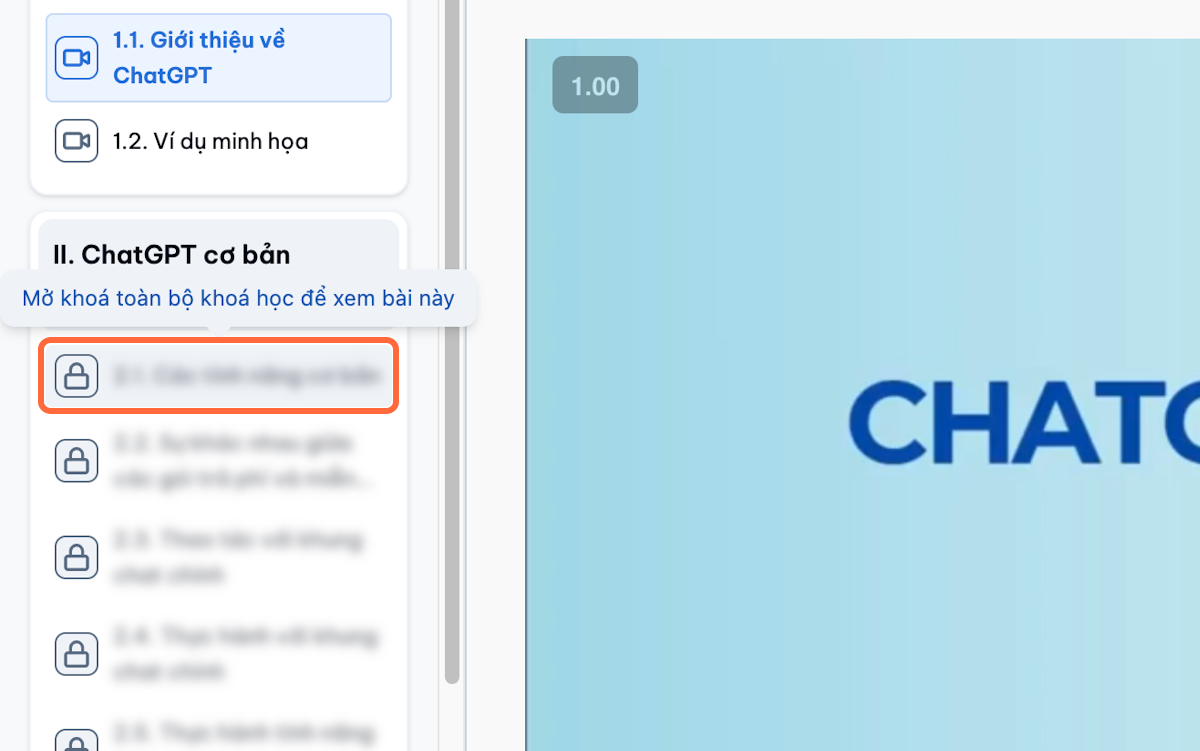
Select a locked lesson or wait until the trial expires.
-
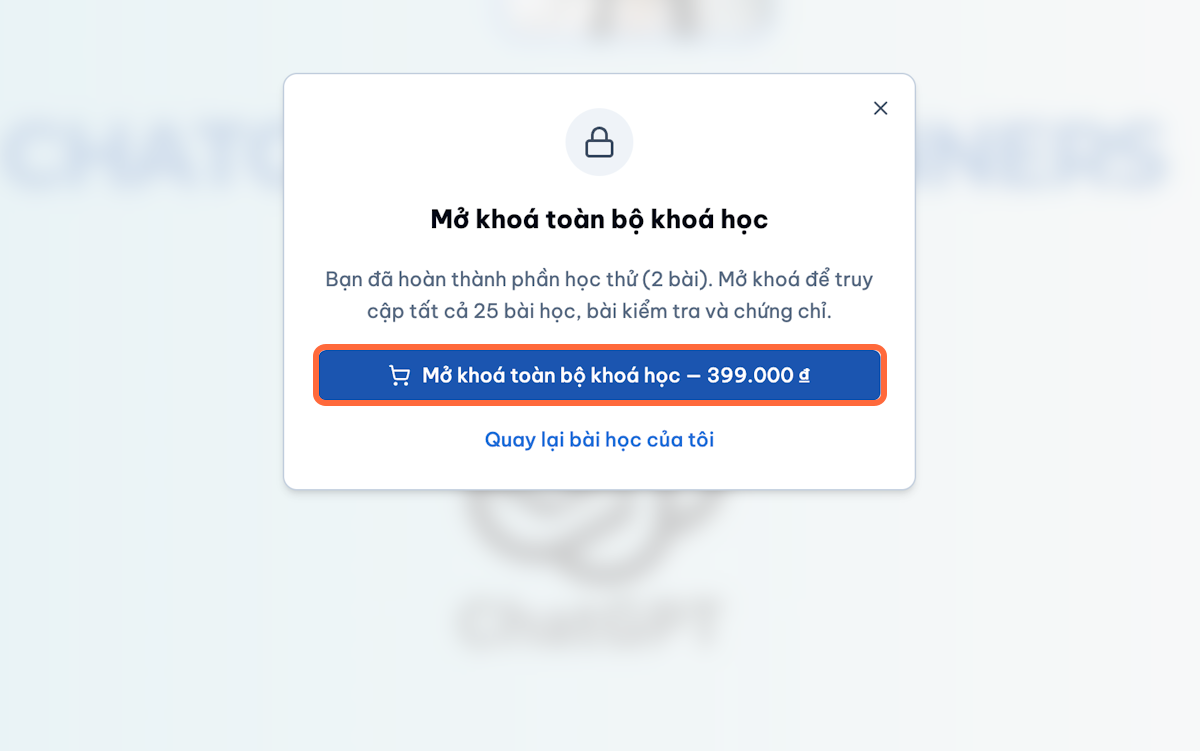
Select Unlock the full course.
-
Complete the paid-course checkout.
-
Return to My Learning.
-
Confirm that the full course is available.
Important Note
The free-trial section should only appear in guides for environments where the feature is enabled.